Features

All of CoolRoom, screen by screen

The app's 14 features, in screenshots on phone and computer, with made-up students. Pick one, or scroll.

Classes and schools01

Join your class in 30 seconds

Scan your class's QR code or type its code: the class lead approves you and you're in. Your school isn't there yet? Add it, then create your class in a few questions.
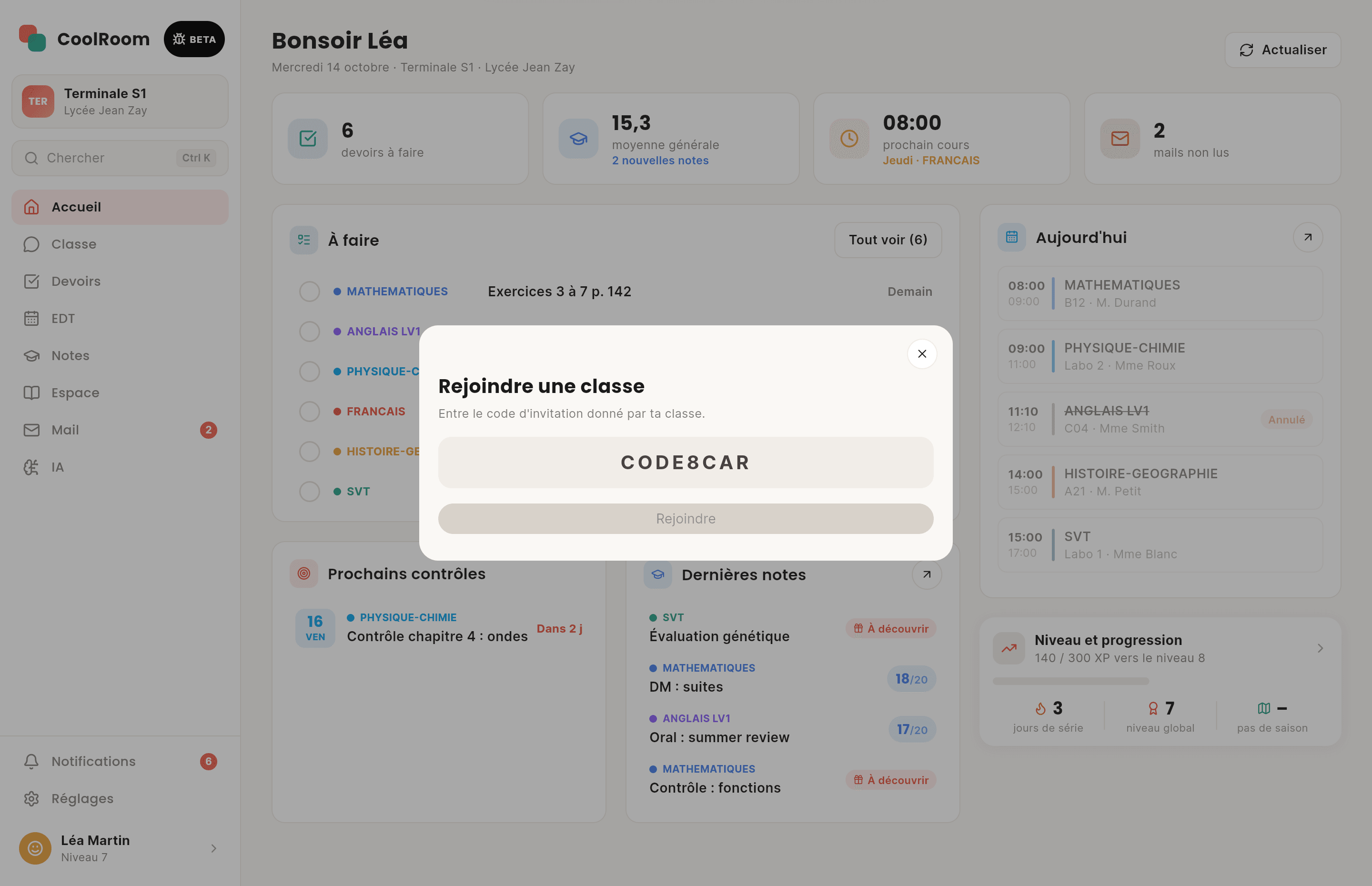
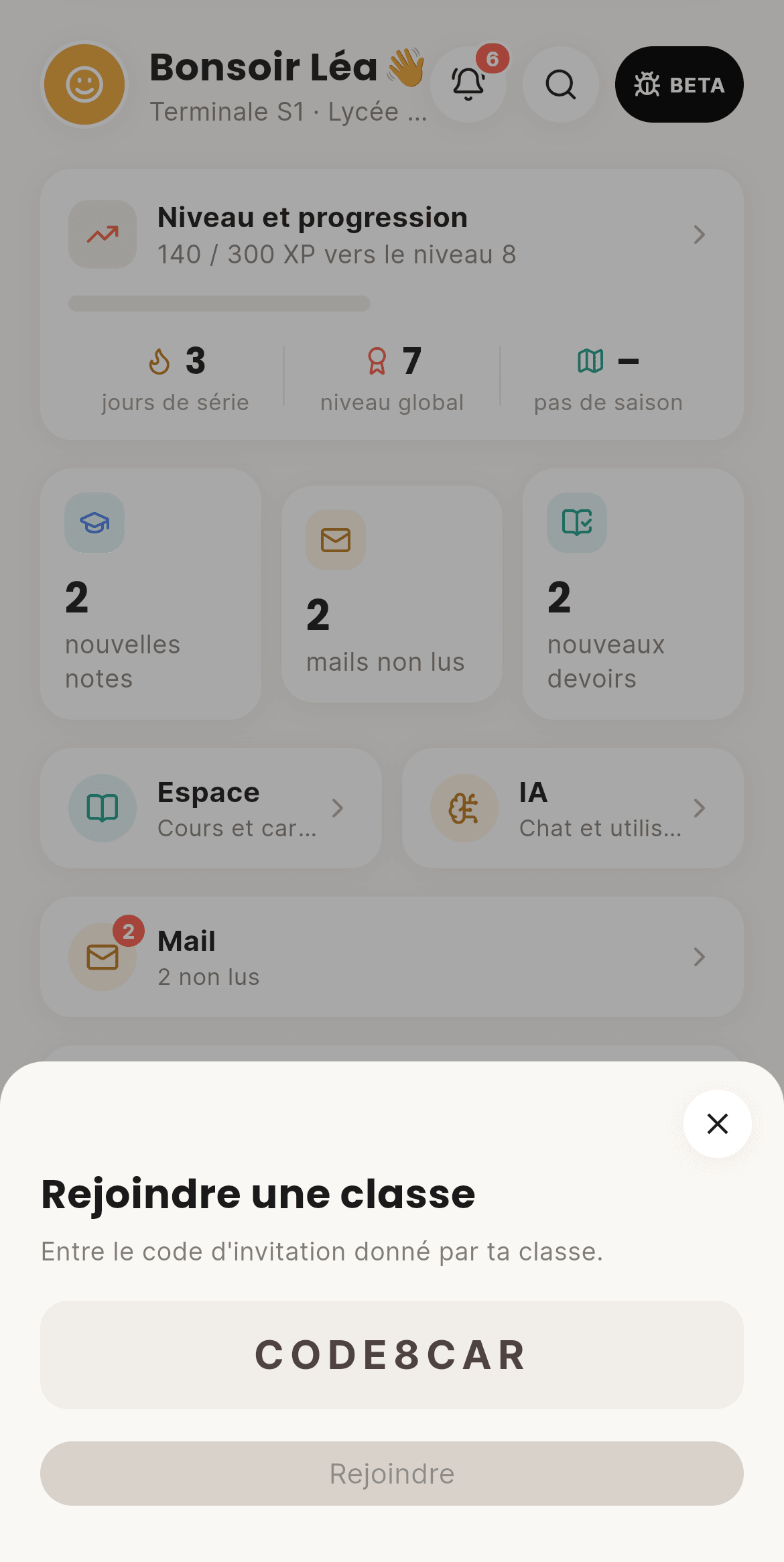
  • QR code or an 8-character code
  • Every newcomer approved by a human
  • A school and a class set up in a few taps
  • Invite codes that expire after 1, 7 or 30 days, with a use limit
  • “Is this your class?”: a preview before you send your request
  • A proposed school is checked before it shows up, with no duplicates
CoolRoom screen on a computer: Classes and schools
On computer
CoolRoom screen: Classes and schools
On phone

Home02

Your day at a glance

Next lesson, homework to do, new grades, unread mail: it's all there when you open the app. And you decide the layout: drag the blocks into your own order.
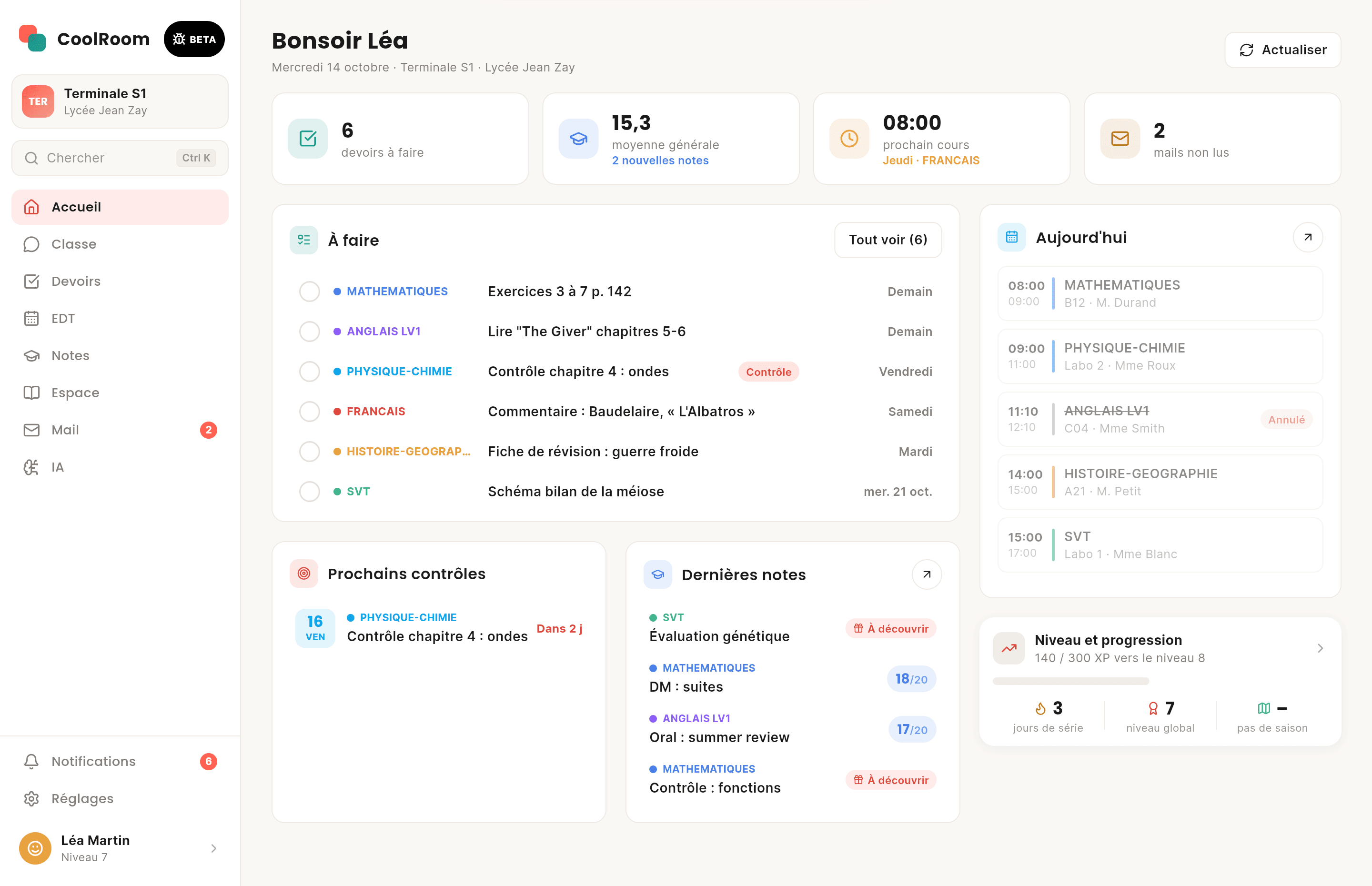
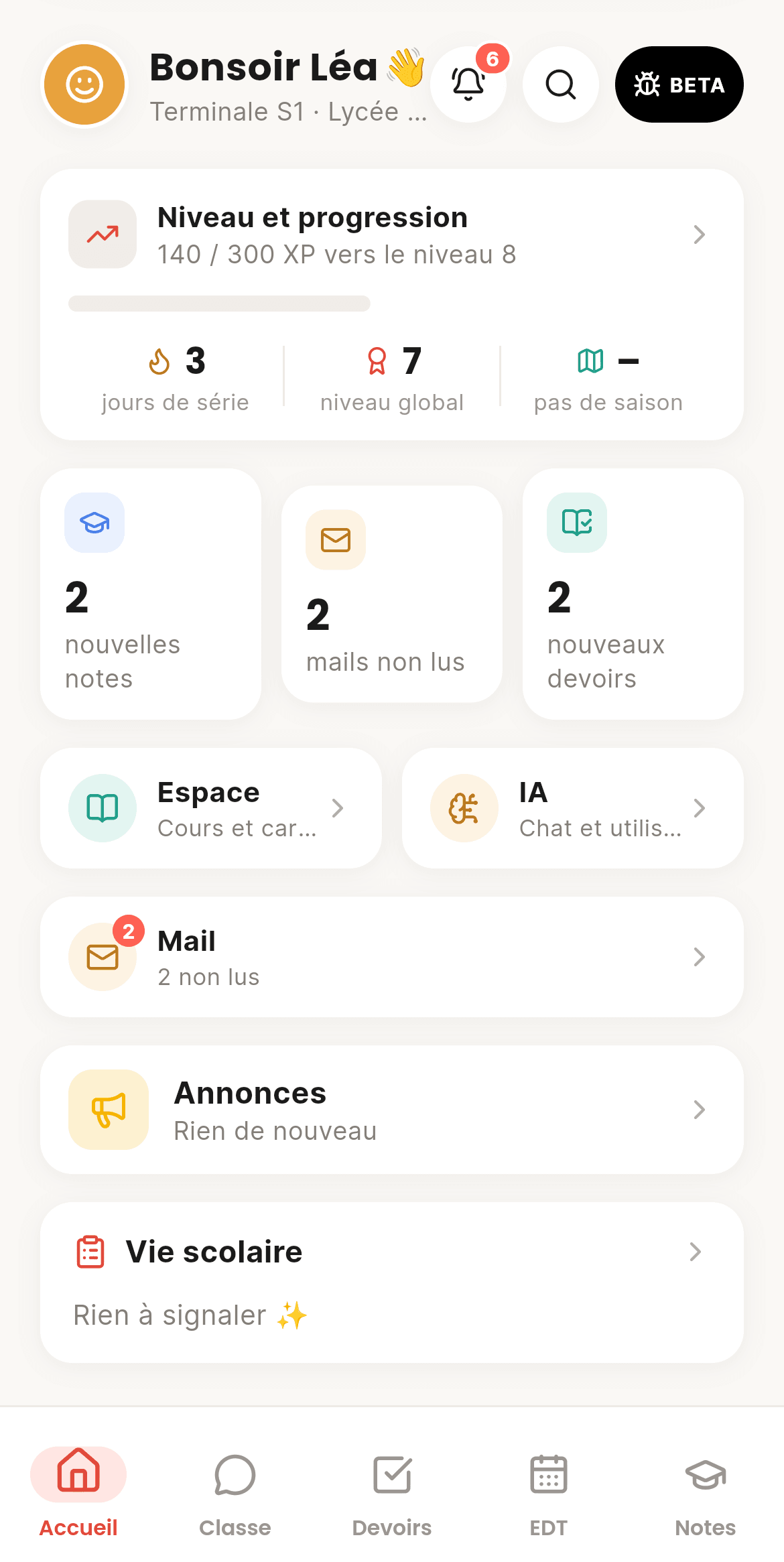
  • "Next lesson in 12 min"
  • One search that looks everywhere
  • Your home, your order
  • Full or half-width blocks you drag where you want
  • Your next 4 homework, ticked right from home
  • Today: your lessons, or the next school day's
CoolRoom screen on a computer: Home
On computer
CoolRoom screen: Home
On phone

Homework03

Homework the whole class checks

Pronote's homework comes in on its own. Something missing? Snap the planner or paste the group chat message: the AI turns it into homework. Three classmates confirm, and it's verified.
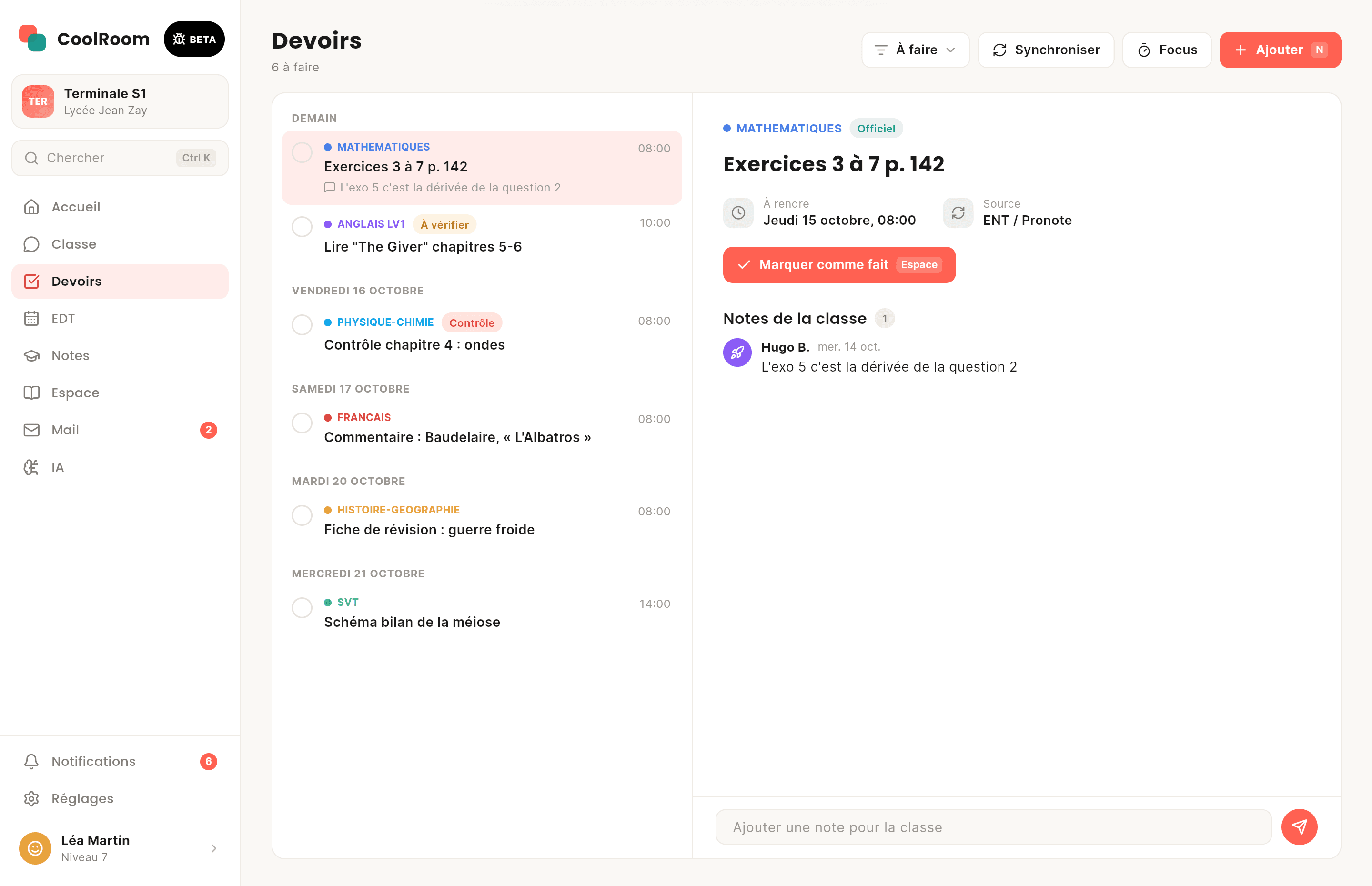
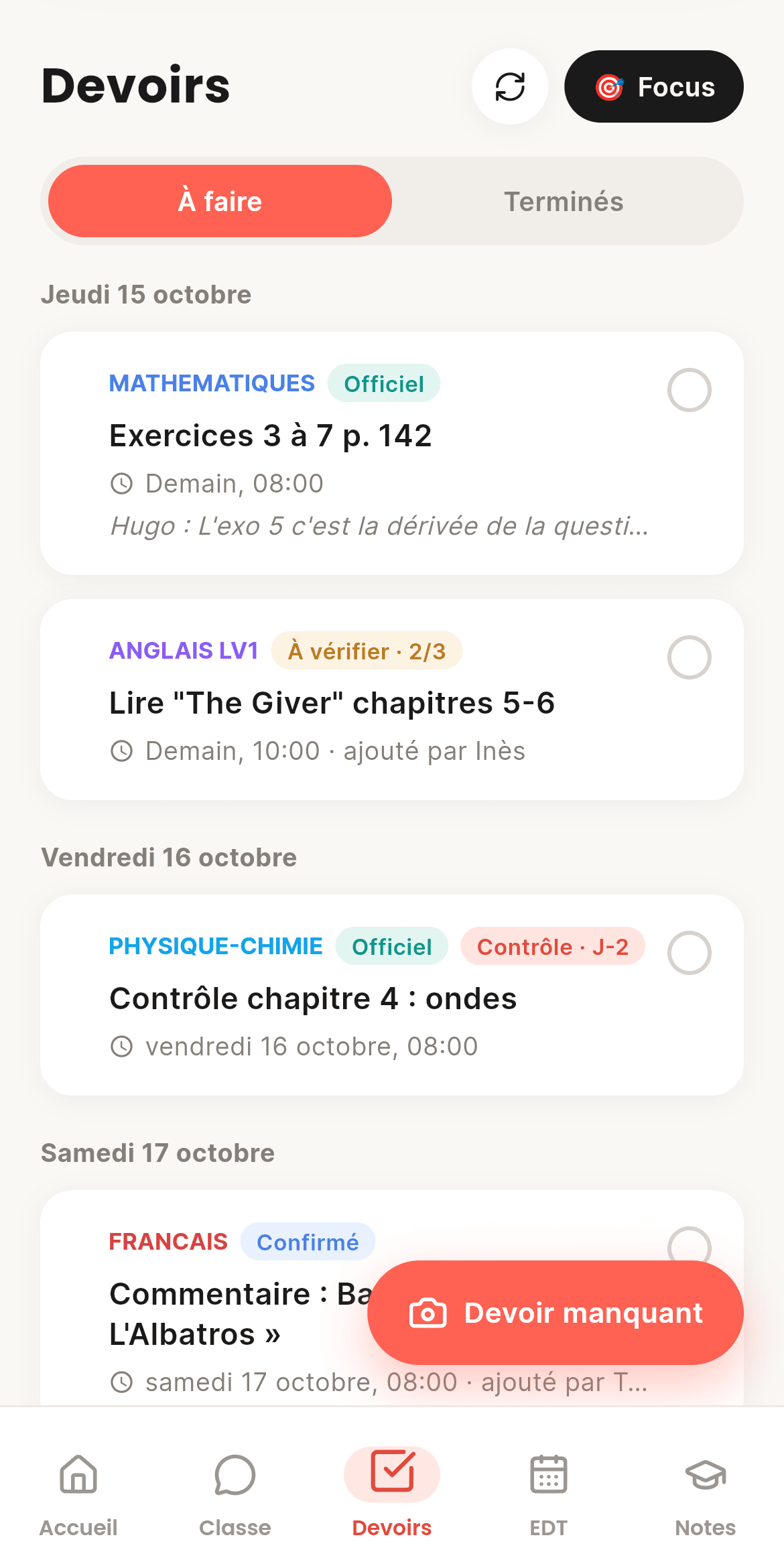
  • Photo, form or "Paste"
  • Official, Confirmed or To check
  • Focus mode to work without pings
  • Swipe right to finish, left to hide
  • The AI spots what's new, already there or updated
  • A class notes thread under every homework
CoolRoom screen on a computer: Homework
On computer
CoolRoom screen: Homework
On phone

Grades04

Your grades, at your pace

Every new grade arrives as a sealed card: flip it when you're ready. Averages, trends, goals… and never a ranking.
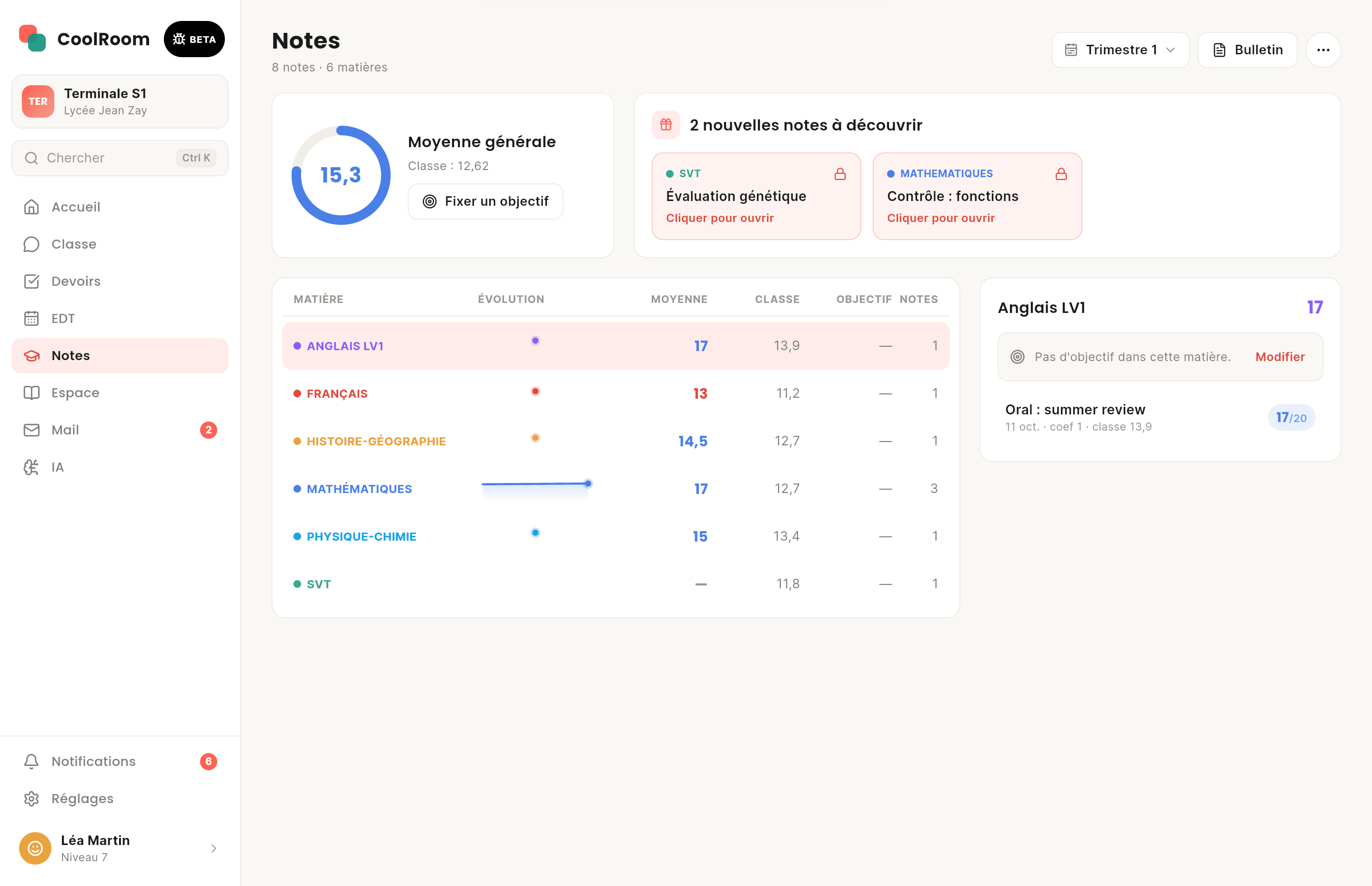
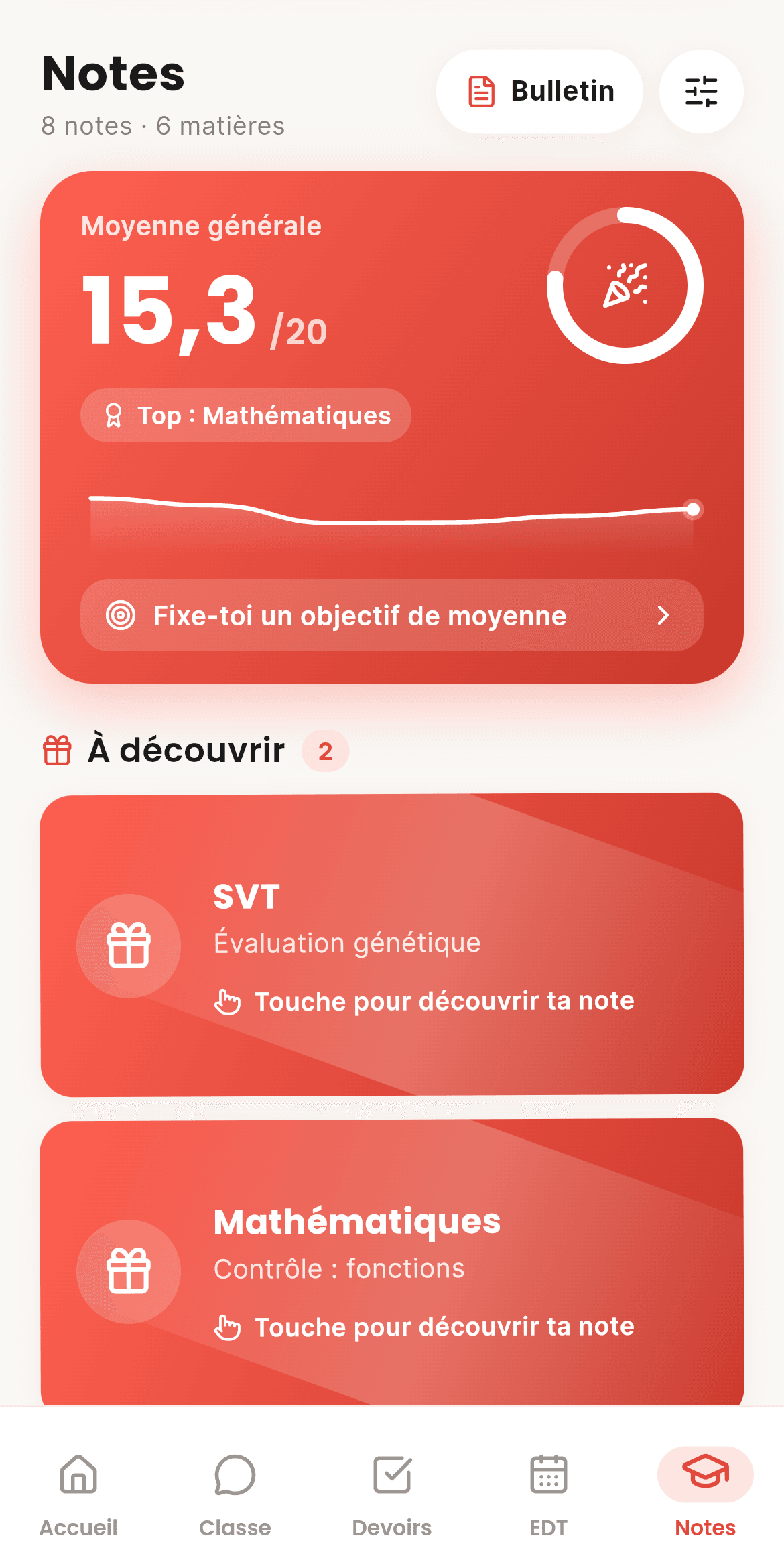
  • "To reveal" cards
  • The grade you need on the next test
  • The class gets applause, never your grade
  • Terms, semesters or the whole year
  • For every grade: class average, gap and impact on your average
  • “Hide my grades”: each grade shows with a tap
CoolRoom screen on a computer: Grades
On computer
CoolRoom screen: Grades
On phone

Timetable05

A timetable that's always right

By day, week or month. Lesson cancelled, room changed, teacher away: you get told, and so does the class. Absences, lates and detentions live in Vie scolaire.
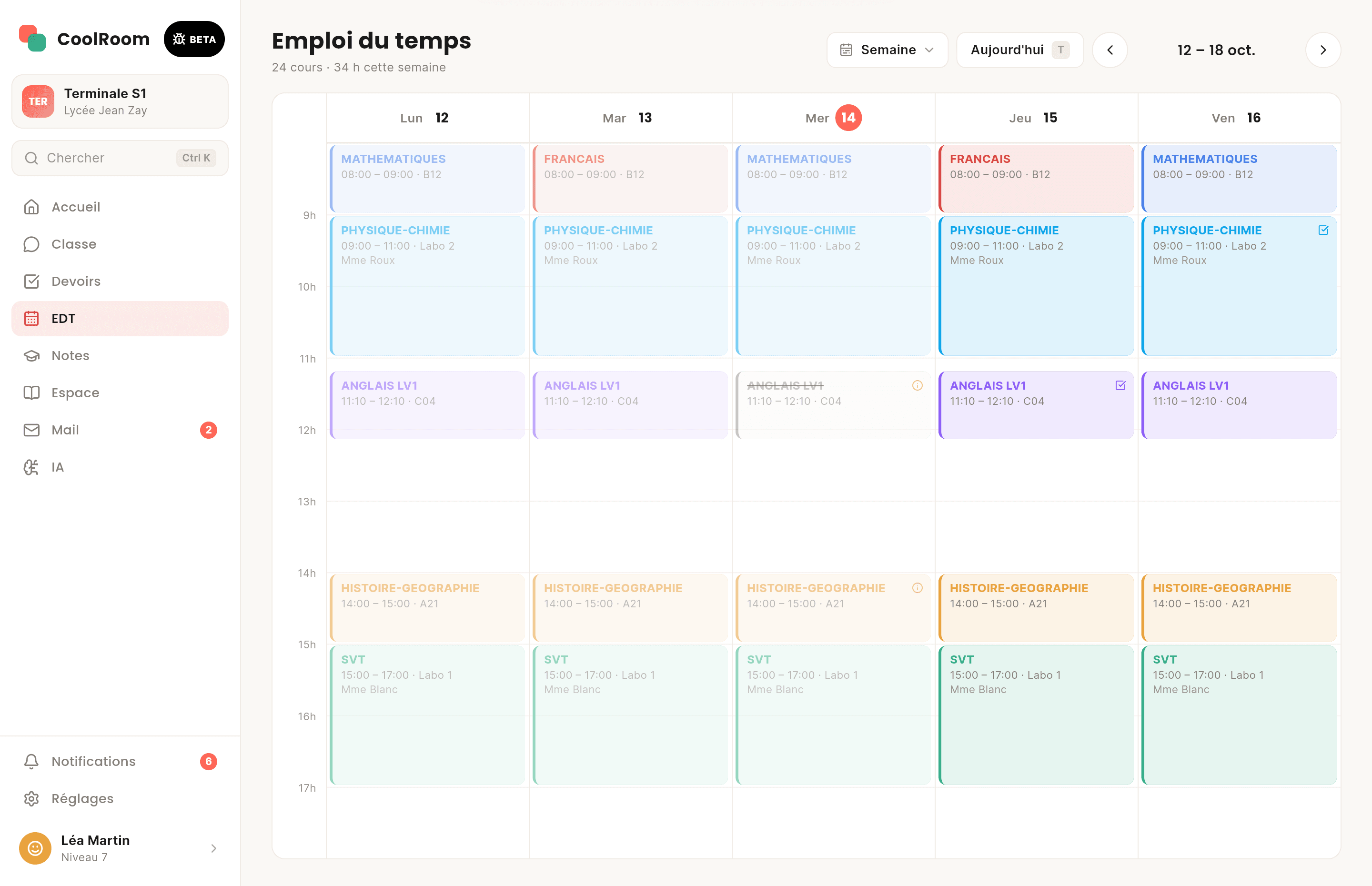
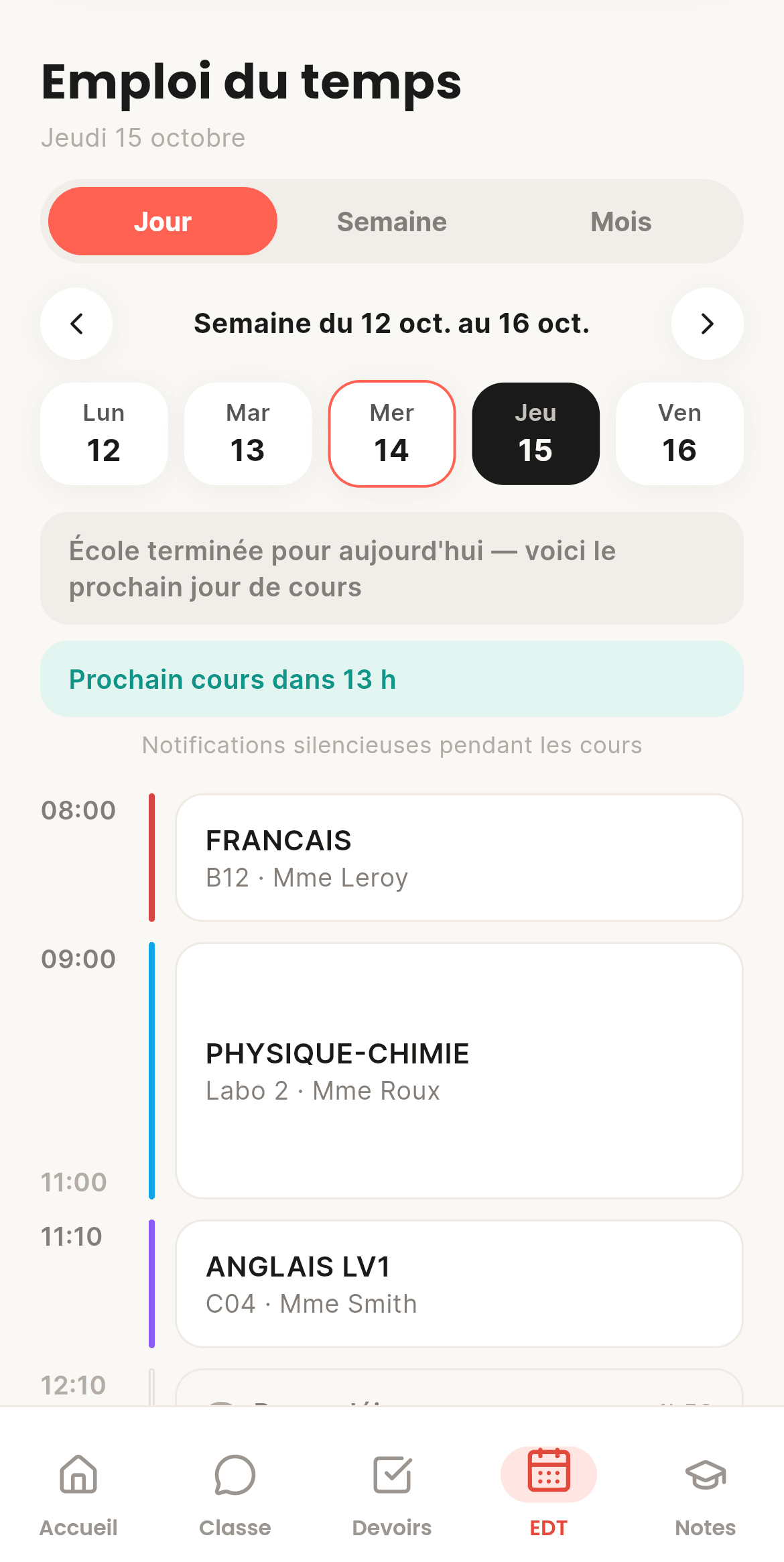
  • A live "now" line
  • Free periods and lunch spotted
  • Every change notified
  • A month view with a coloured dot per subject
  • Detentions added to your timetable
  • Changes in the next 14 days spotted
CoolRoom screen on a computer: Timetable
On computer
CoolRoom screen: Timetable
On phone

Class chat06

Your class chat, and nothing else

One chat per class, no private messages. Quote-reply, react with any emoji, send photos and videos, cut out your own stickers. New homework and timetable changes post themselves.
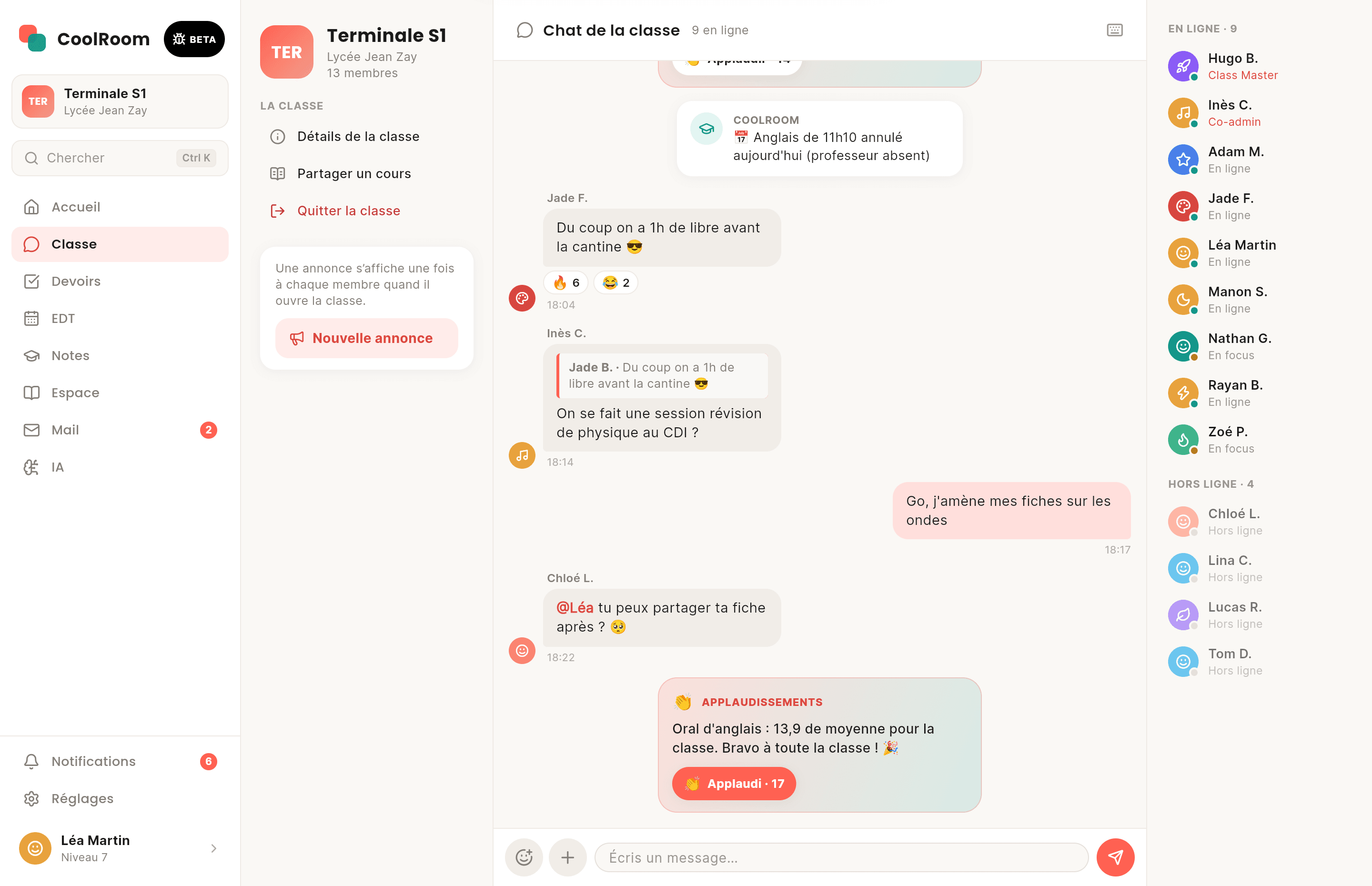
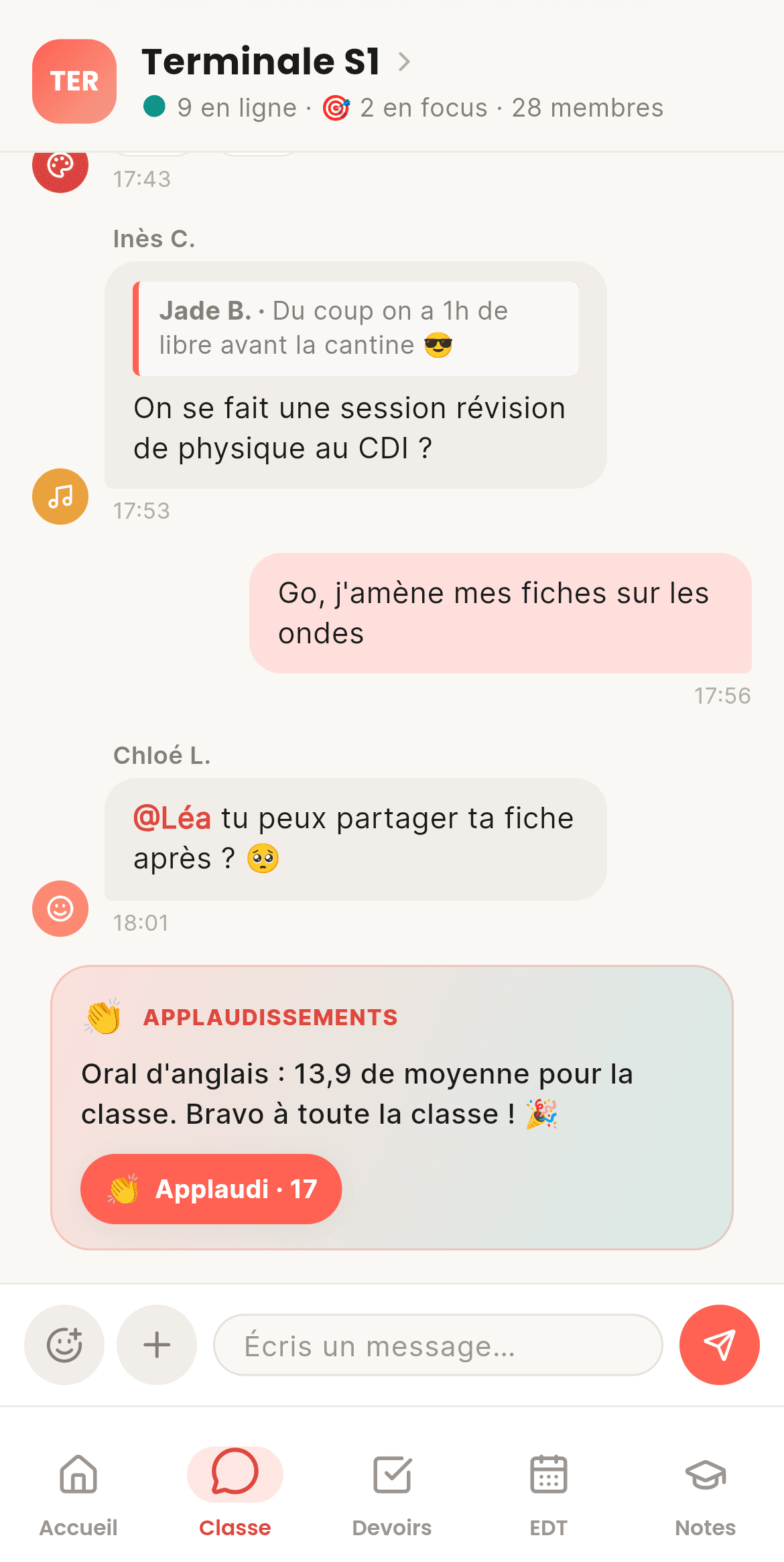
  • Your photos and videos stay yours
  • Stickers cut from your pictures
  • Who's online, who's in focus
  • @mentions to ping a classmate
  • @CoolRoom answers from the class's lessons, with its sources
  • Media stay 48 h and can be deleted everywhere
CoolRoom screen on a computer: Class chat
On computer
CoolRoom screen: Class chat
On phone

Lessons07

The textbook your class writes together

A library of lessons per subject that everyone improves. Snap your lesson: the AI files it, completes it and links it to the others. Formulas, diagrams, timelines, mind maps: it all gets drawn.
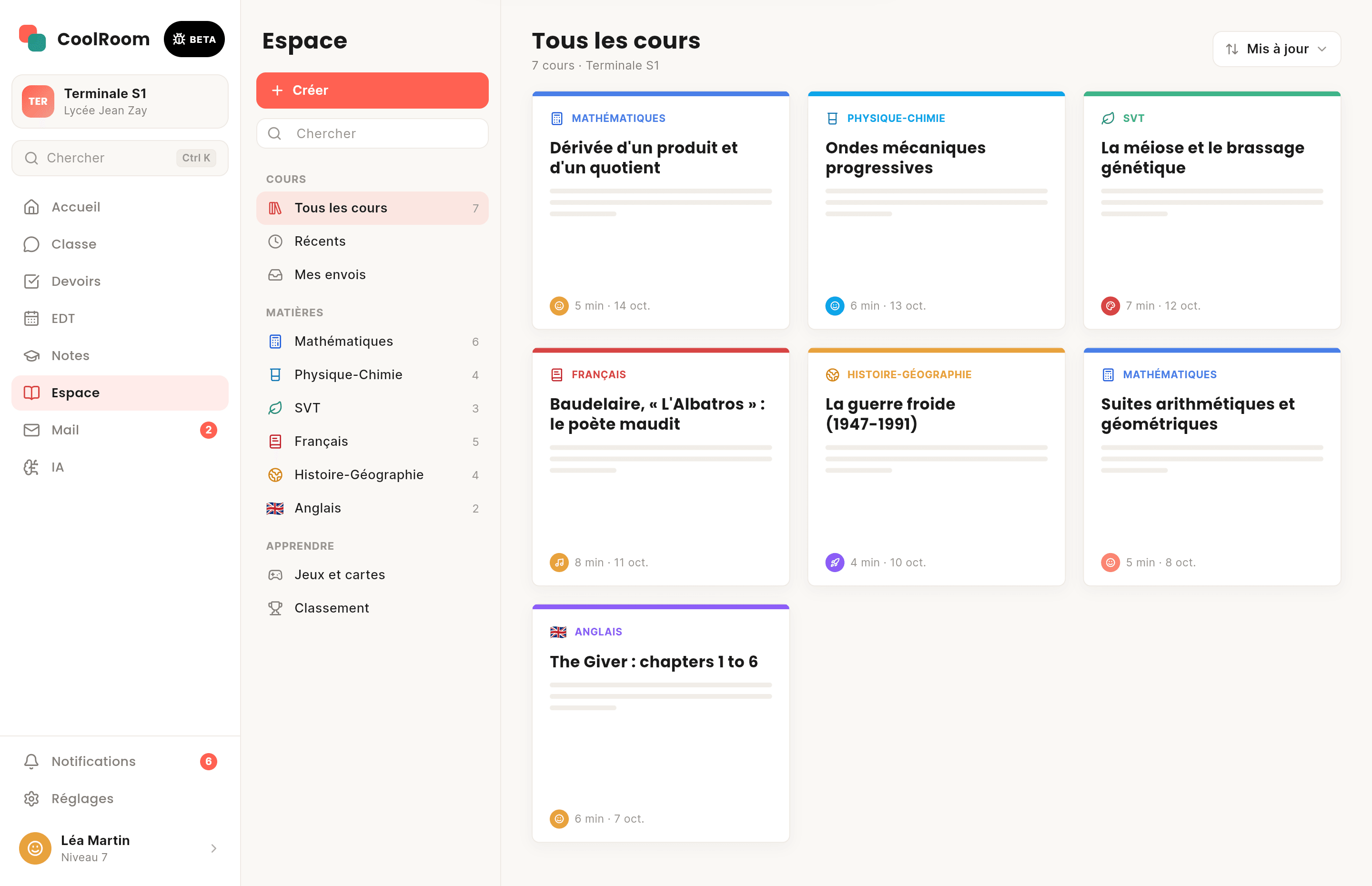
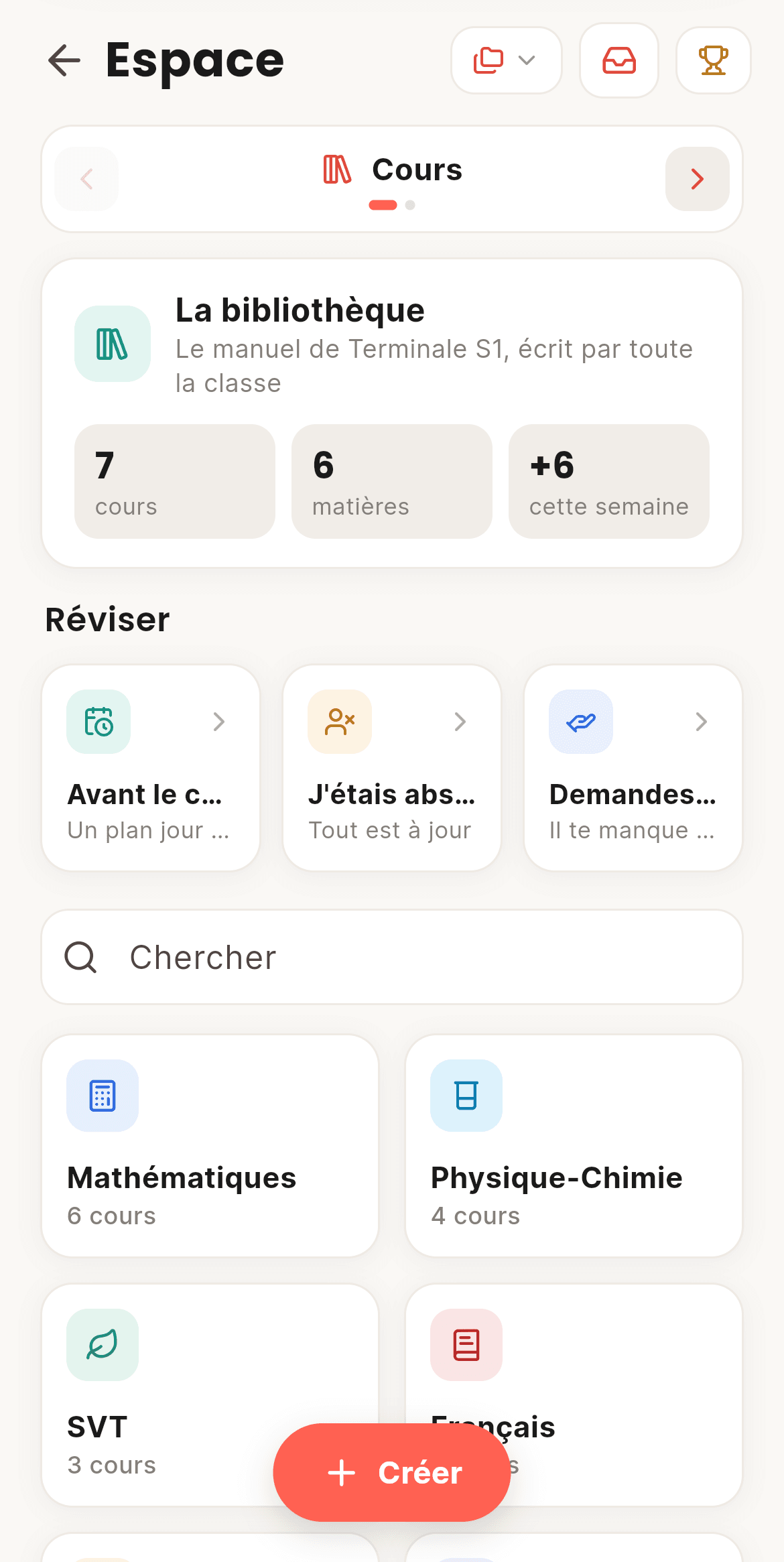
  • Simplified, Normal or In-depth
  • Listen to your lesson out loud
  • "I was absent": catch up on what you missed
  • Every edit is kept: go back to any version
  • Up to 8 photos to add a lesson with the AI
  • Export to Markdown, Anki or a printable PDF
CoolRoom screen on a computer: Lessons
On computer
CoolRoom screen: Lessons
On phone

Learn08

Revise like you play

Every lesson turns into games: quizzes, fill-in-the-blanks, timelines, true or false, matching. Your flash card decks play with a swipe, and the AI makes them from a lesson or a photo.
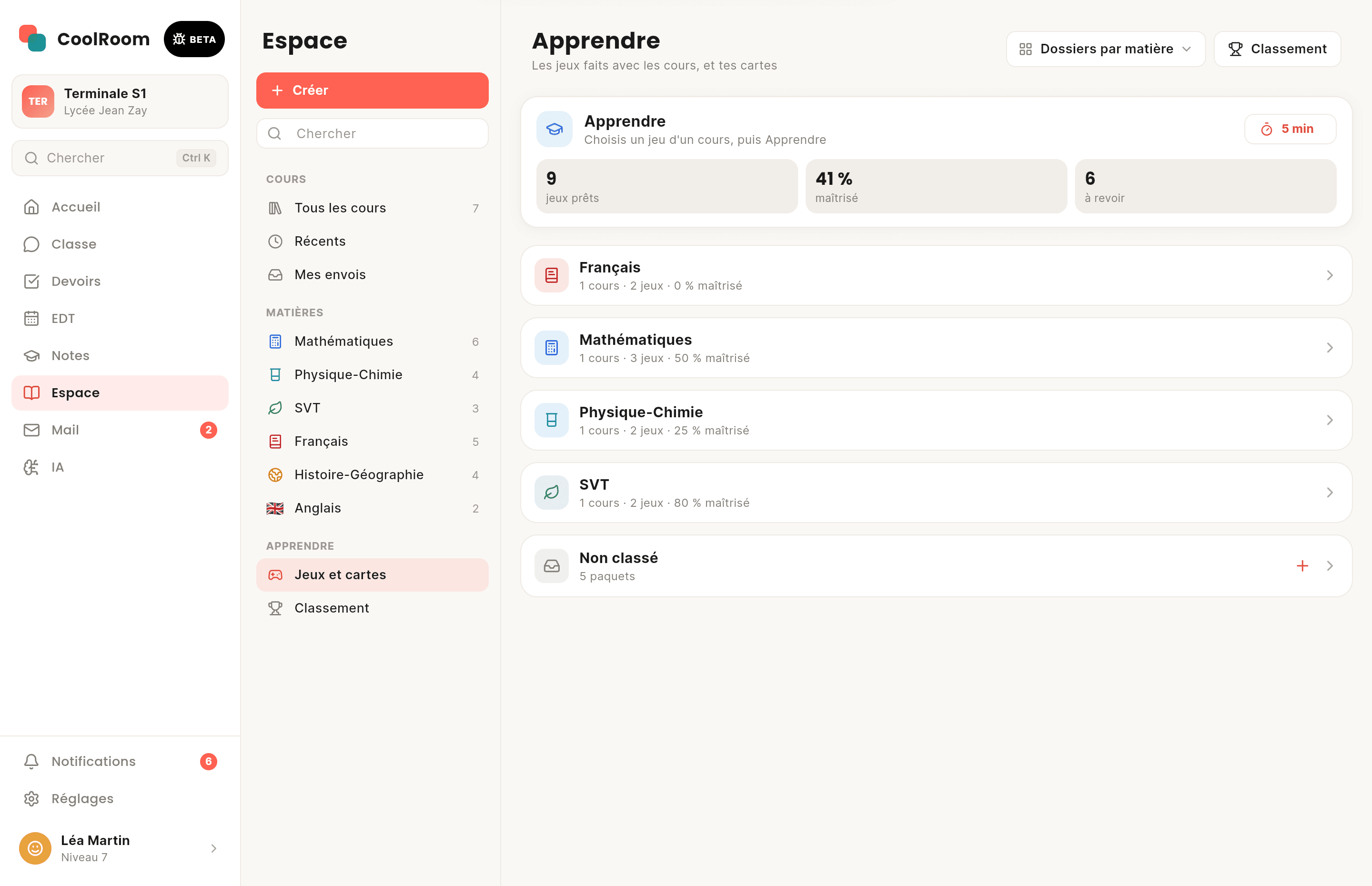
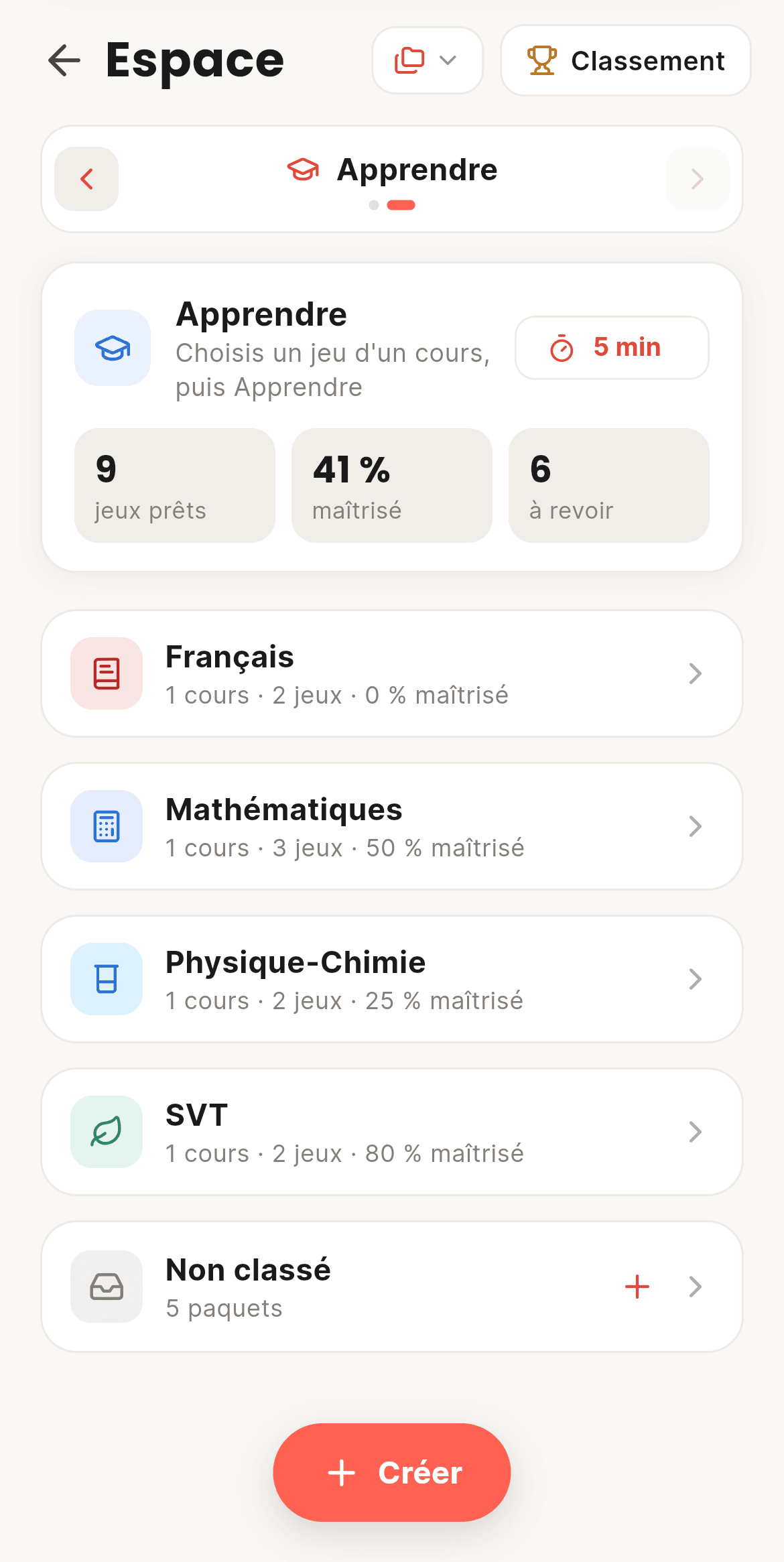
  • A quick 5-minute session
  • Cards made by the AI
  • The class challenge
  • Spaced revision: “To review” and “My mistakes”
  • Up to 1000 cards per deck, with a picture per side
  • Decks shared in the class chat
CoolRoom screen on a computer: Learn
On computer
CoolRoom screen: Learn
On phone

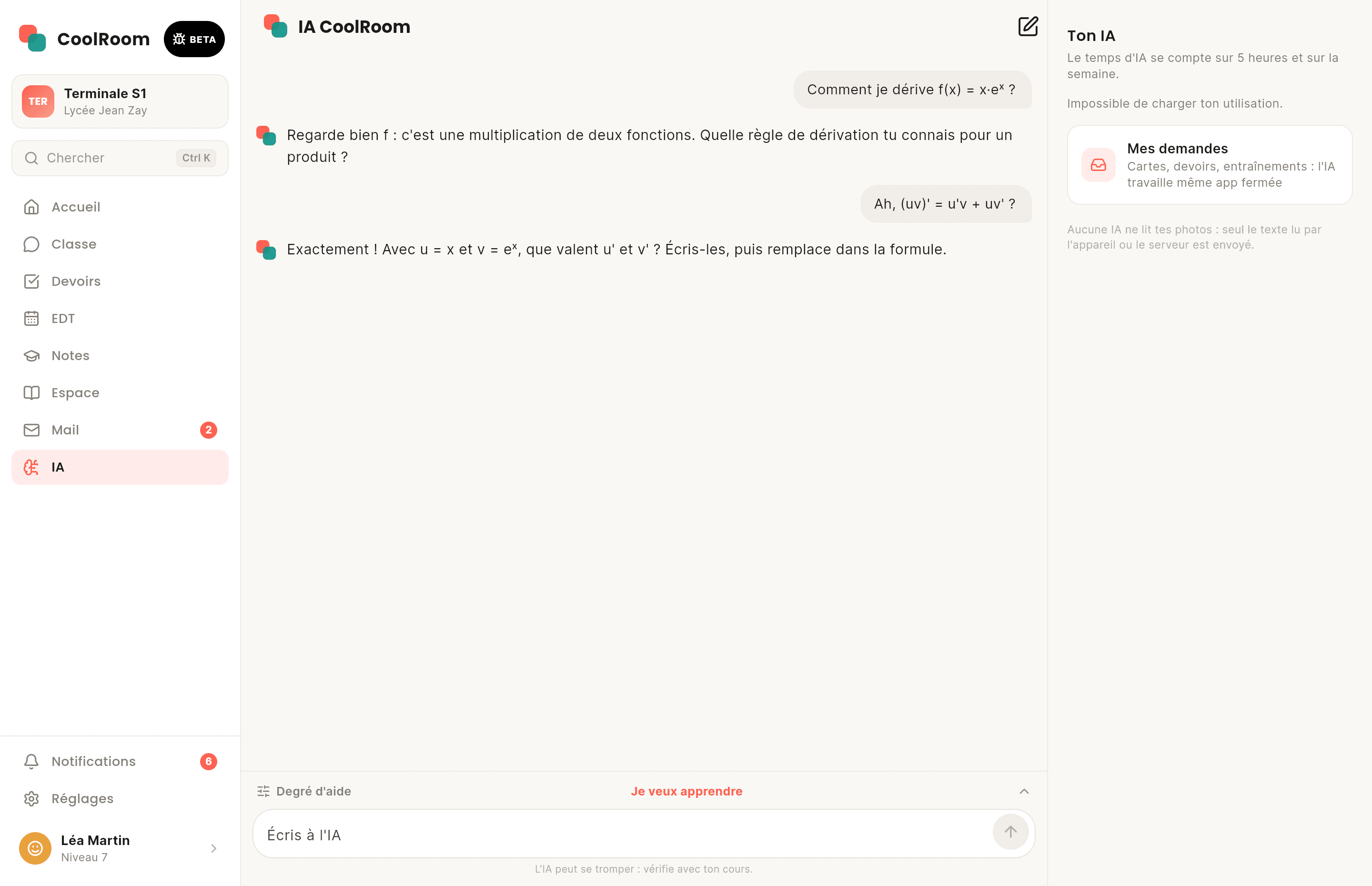
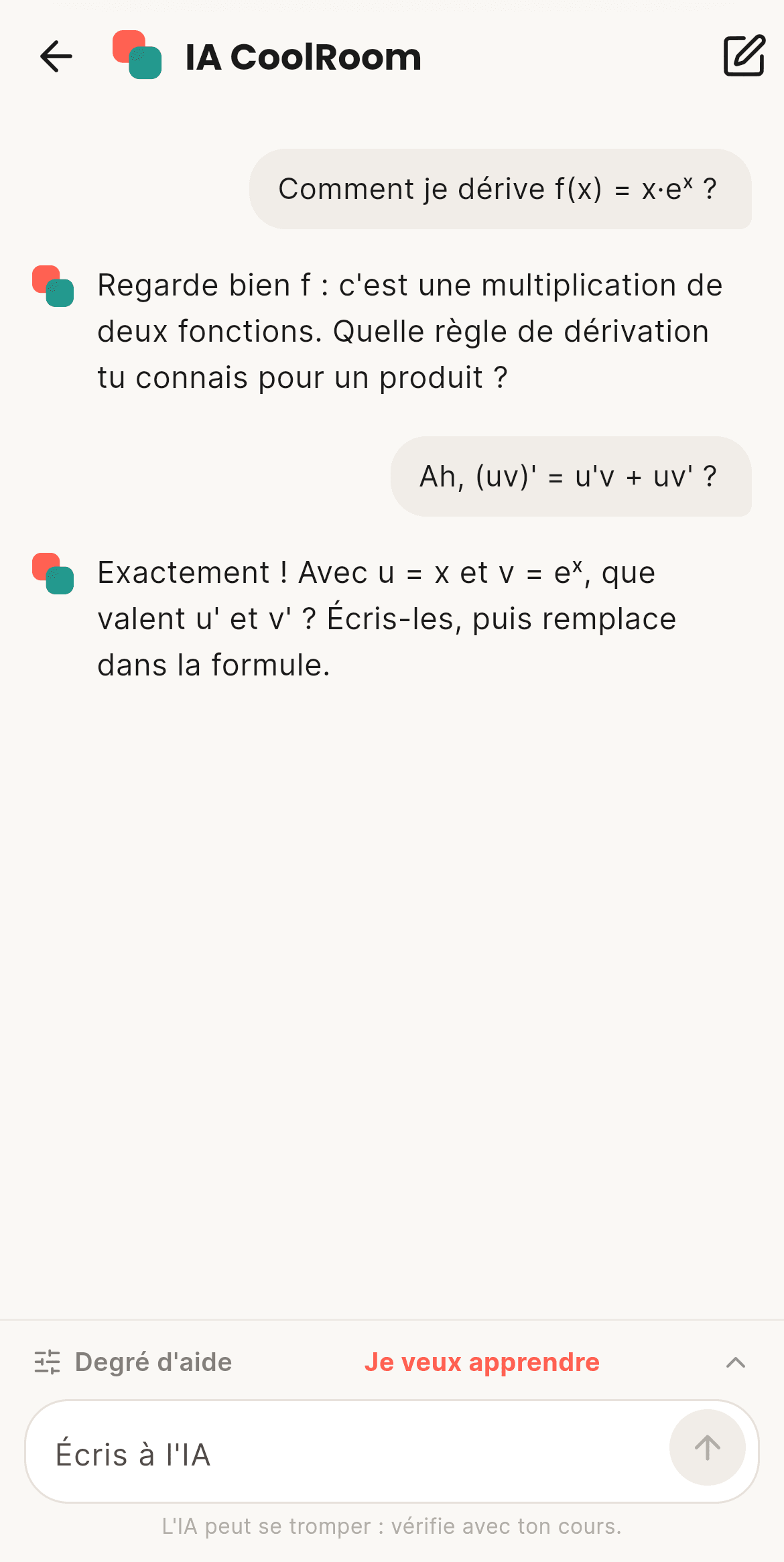
AI09

An AI that helps you learn

Ask your question and pick how much help you want, from "I want to learn" to "Just give me the answer". It draws on your class's lessons, and never sees your photos: only the text read from them is sent.
  • Grounded in your own lessons
  • Close the app: a notification tells you when it's ready
  • Free, with fair usage time
  • Retry up to 3 times with a remark
  • Long requests run in the background
  • Your AI time shown in “My usage”
CoolRoom screen on a computer: AI
On computer
CoolRoom screen: AI
On phone

Pronote, Skolengo, EduConnect10

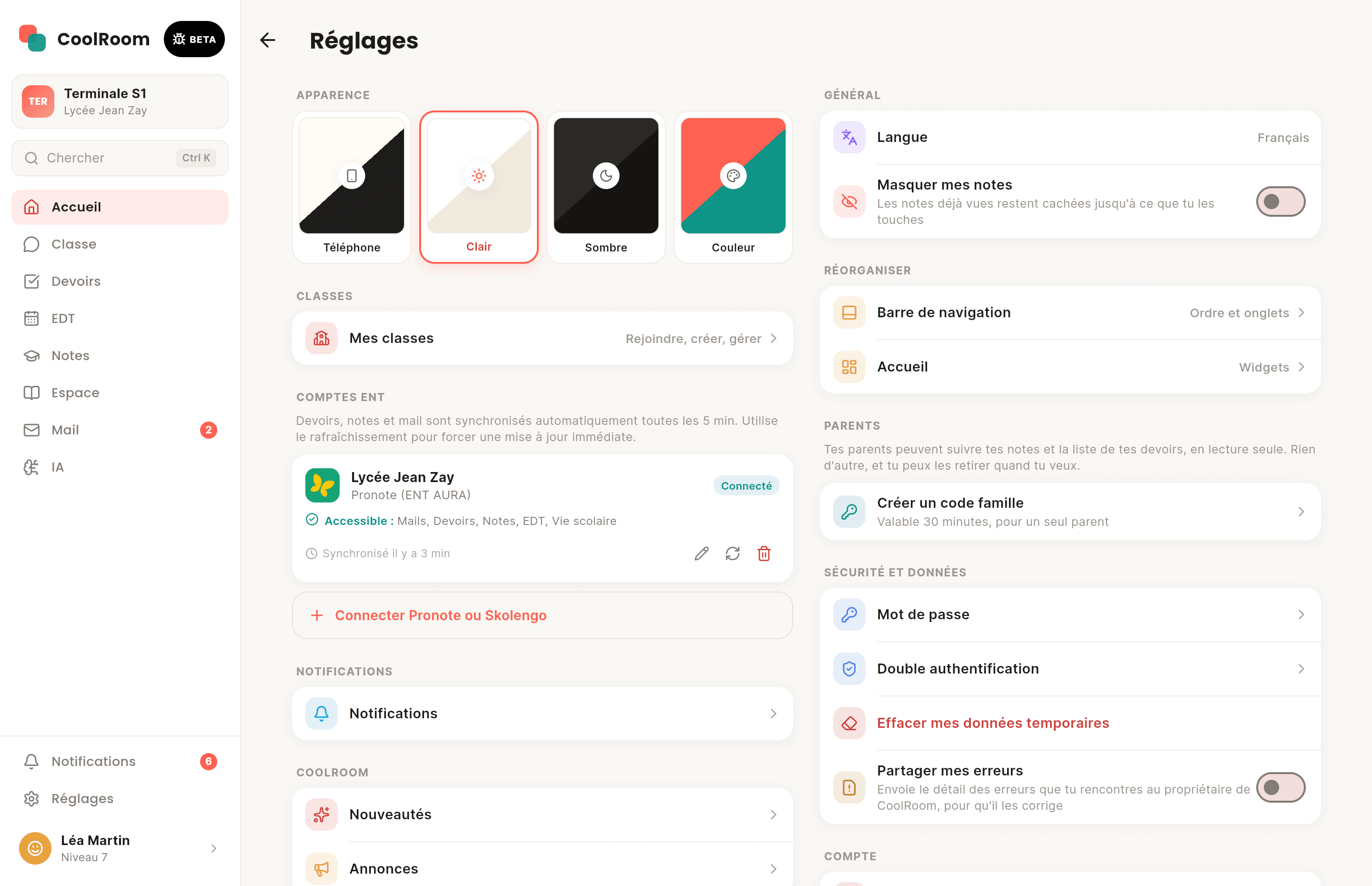
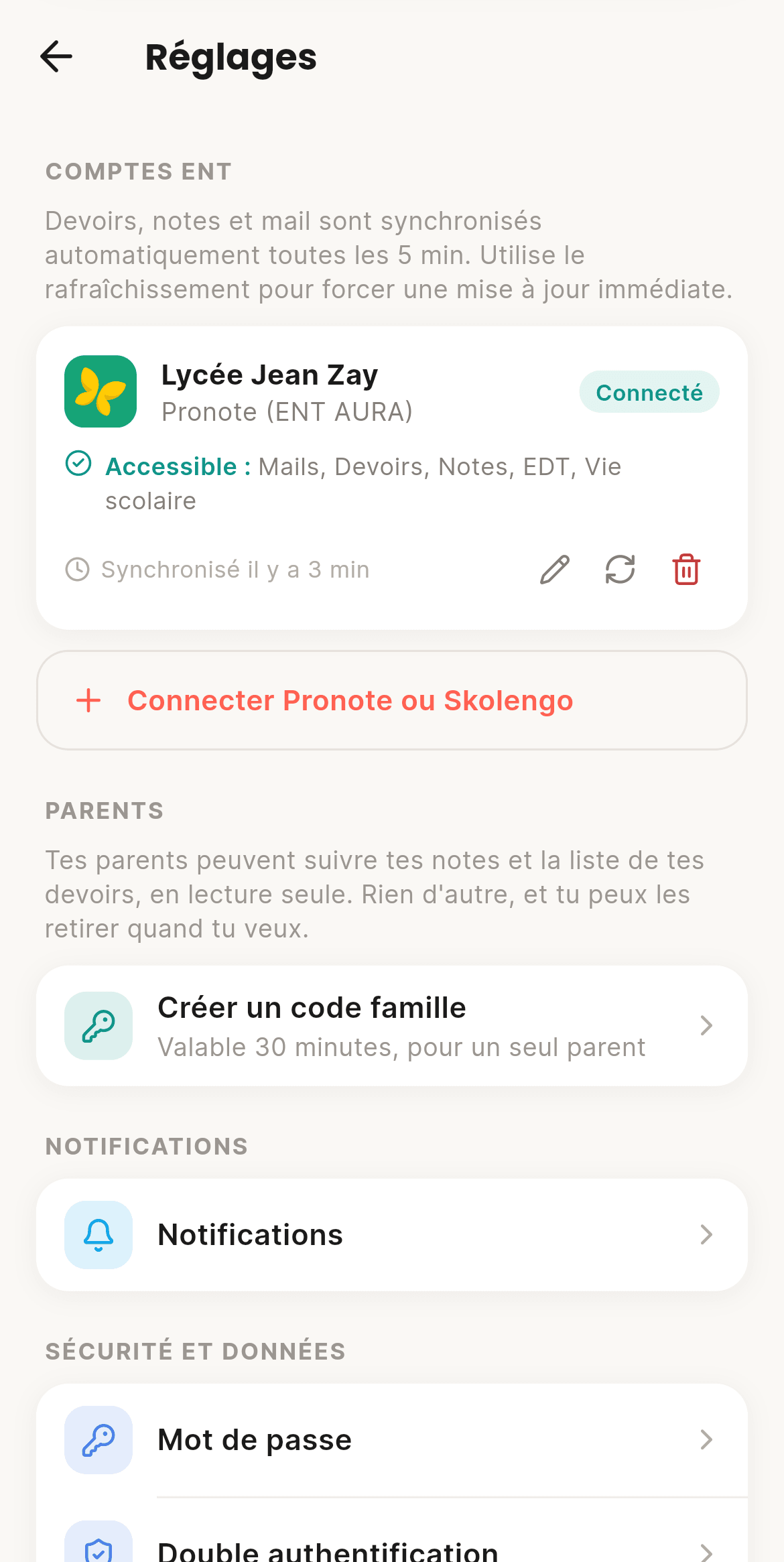
Your school account, plugged in once

Connect your accounts once. Grades, homework, timetable, mail and school life sync every 5 minutes, and you choose what comes in.
  • Logins encrypted on the server
  • Your school's quick setup
  • Several accounts at once
  • Pronote and Skolengo through EduConnect, or Pronote directly
  • One switch per kind: mail, homework, grades, timetable
  • A wrong password never retries in a loop
CoolRoom screen on a computer: Pronote, Skolengo, EduConnect
On computer
CoolRoom screen: Pronote, Skolengo, EduConnect
On phone

Mail11

School mail you can actually read

Teachers, admin, system: your mail is sorted and grouped into threads. Write and reply with attachments. "Share with the class" hides addresses and phone numbers.
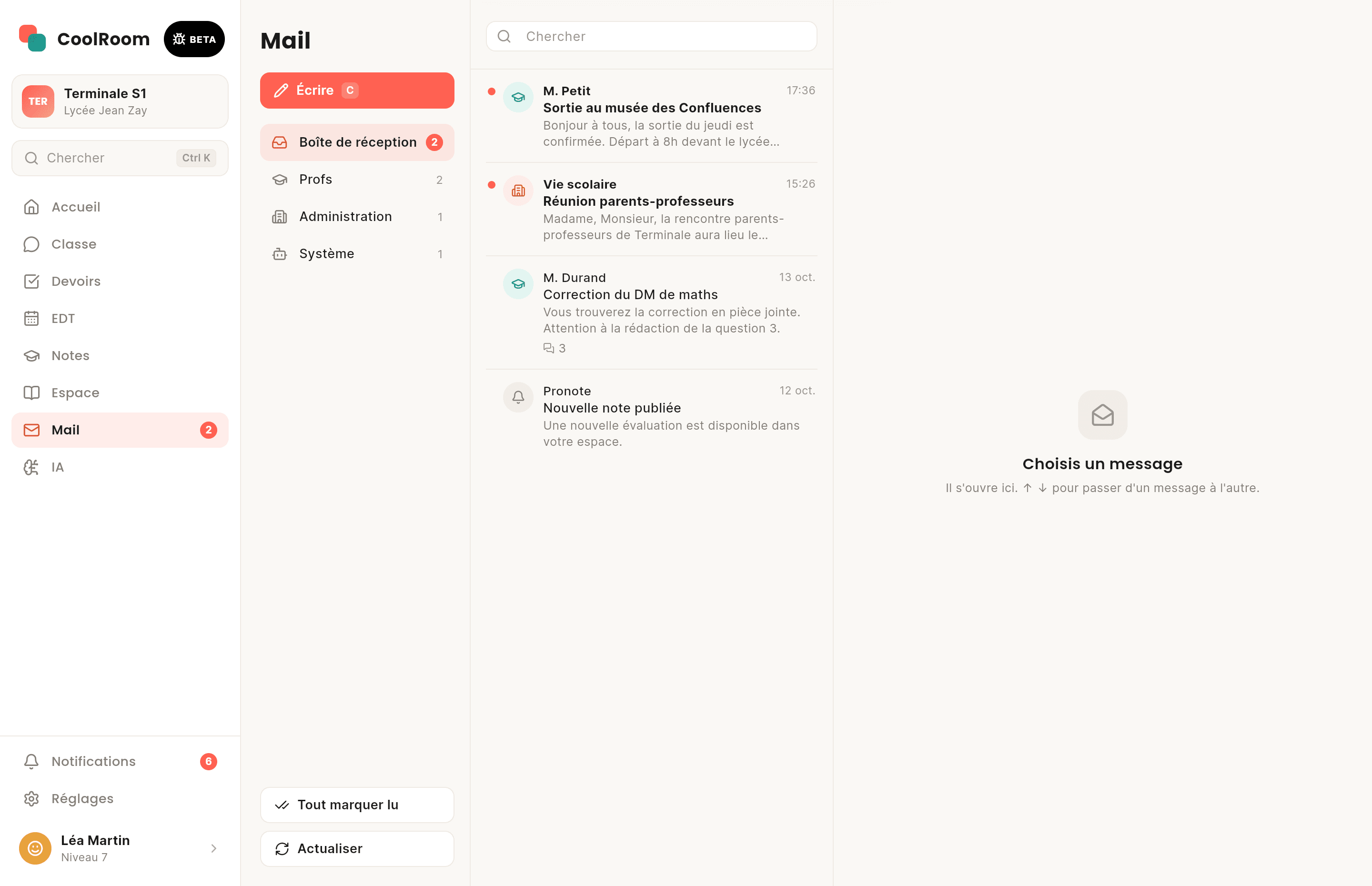
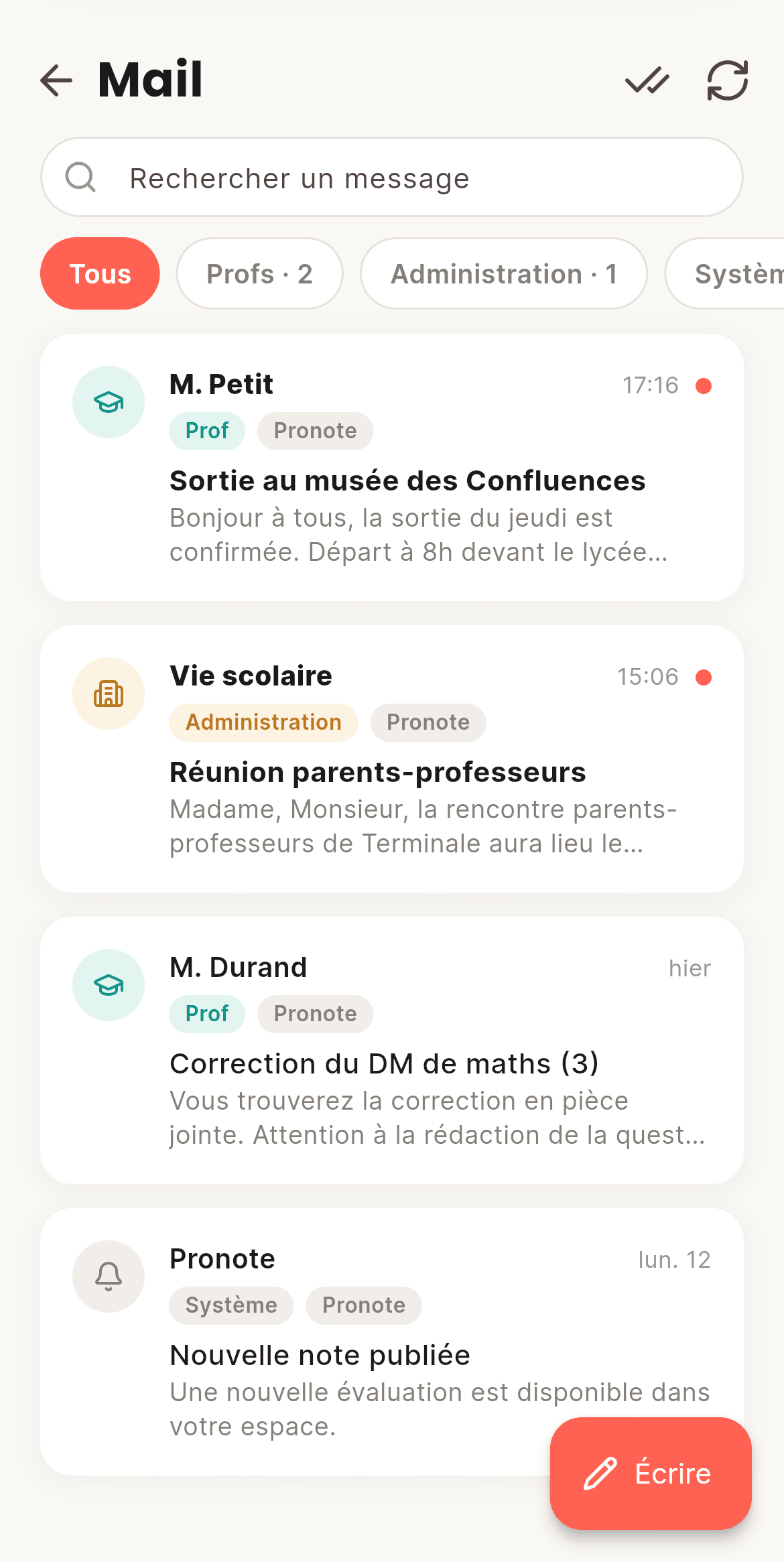
  • Teachers, Admin, System filters
  • Write and reply (Skolengo)
  • Sharing without contact details
  • Accent-free search and “mark all read”
  • The same mail seen by two accounts shows once
  • Up to 5 attachments, 10 MB
CoolRoom screen on a computer: Mail
On computer
CoolRoom screen: Mail
On phone

Notifications12

The right pings, at the right time

New grade (without the grade!), homework, mail, cancelled lesson, mention. During lessons, everything arrives silently. And "Do not disturb" whenever you like.
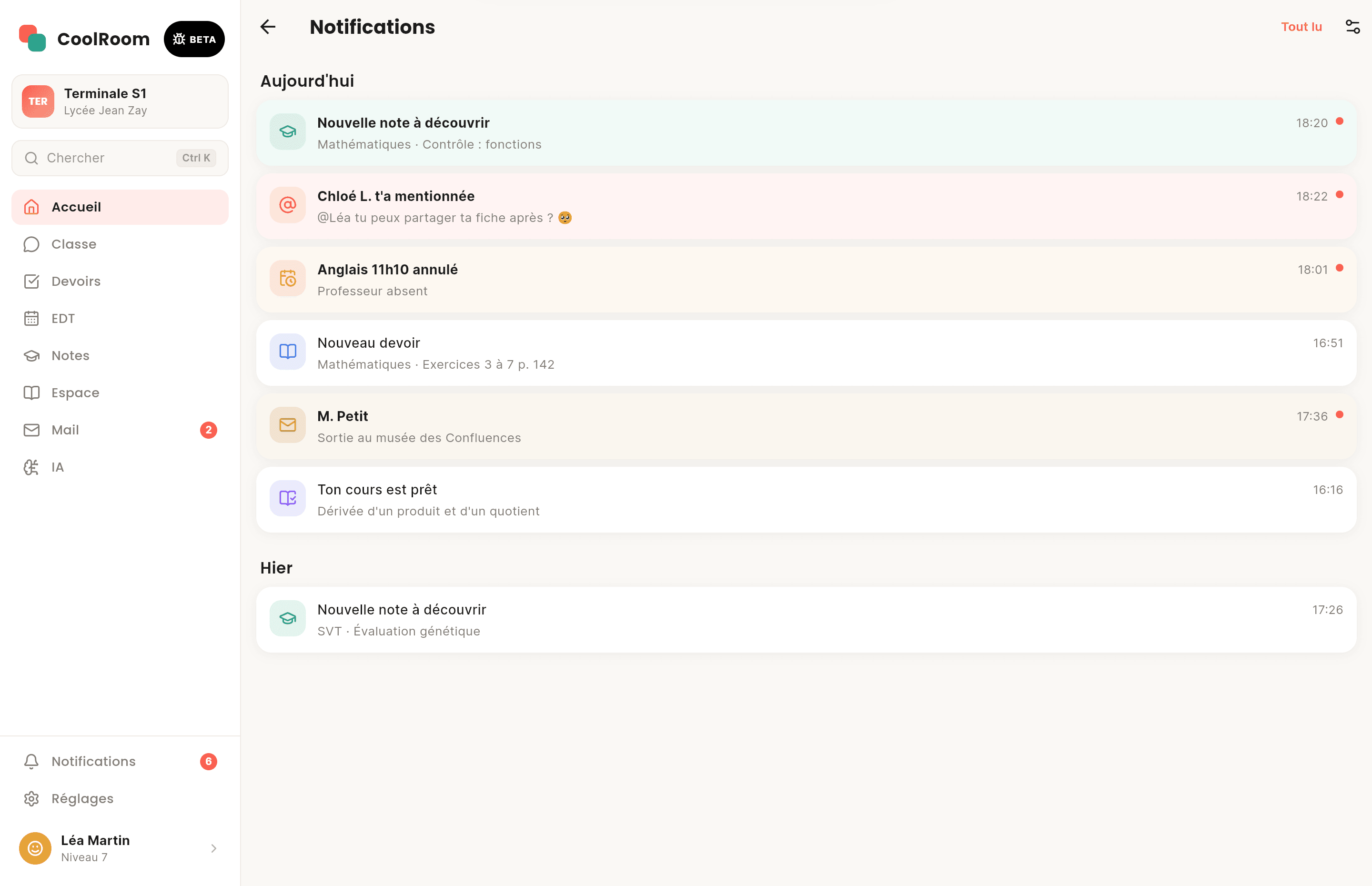
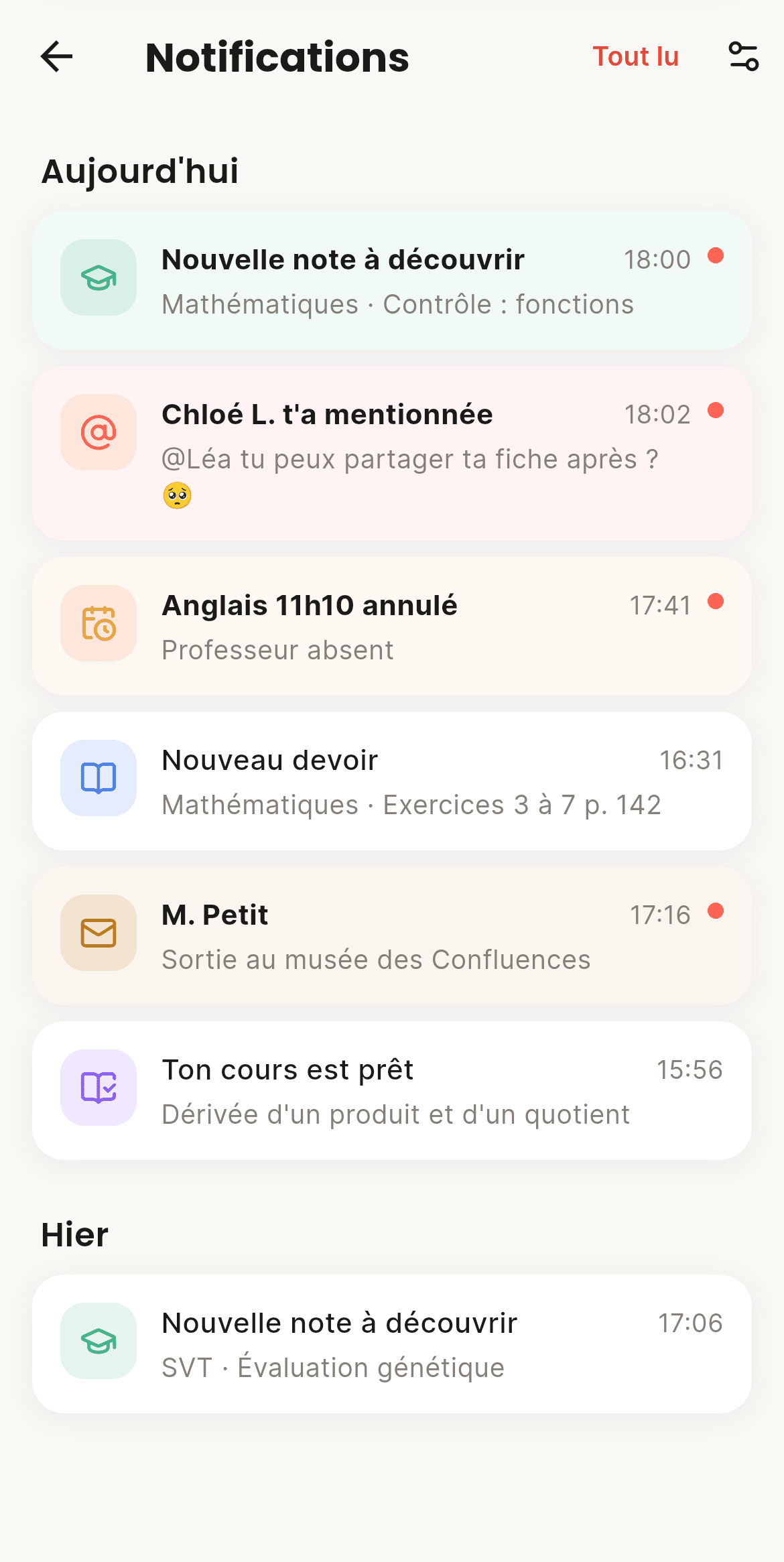
  • Automatic silence in class
  • One category, one switch
  • Set it class by class
  • Do not disturb: 1 h, 8 h, until tomorrow or always
  • A banner in the app when it's open
  • Silence during a Focus session
CoolRoom screen on a computer: Notifications
On computer
CoolRoom screen: Notifications
On phone

Progress and profile13

Your progress, your style

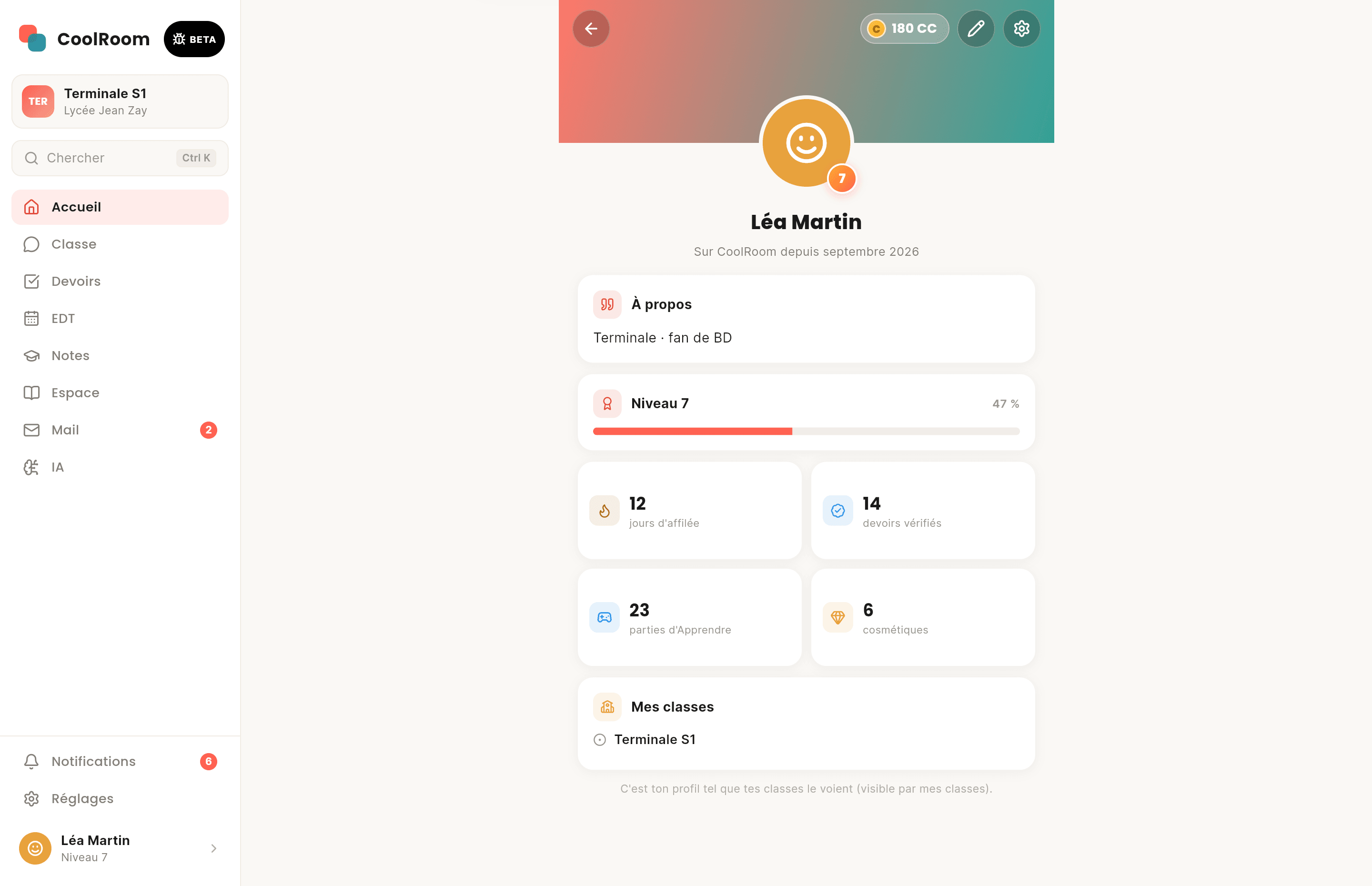
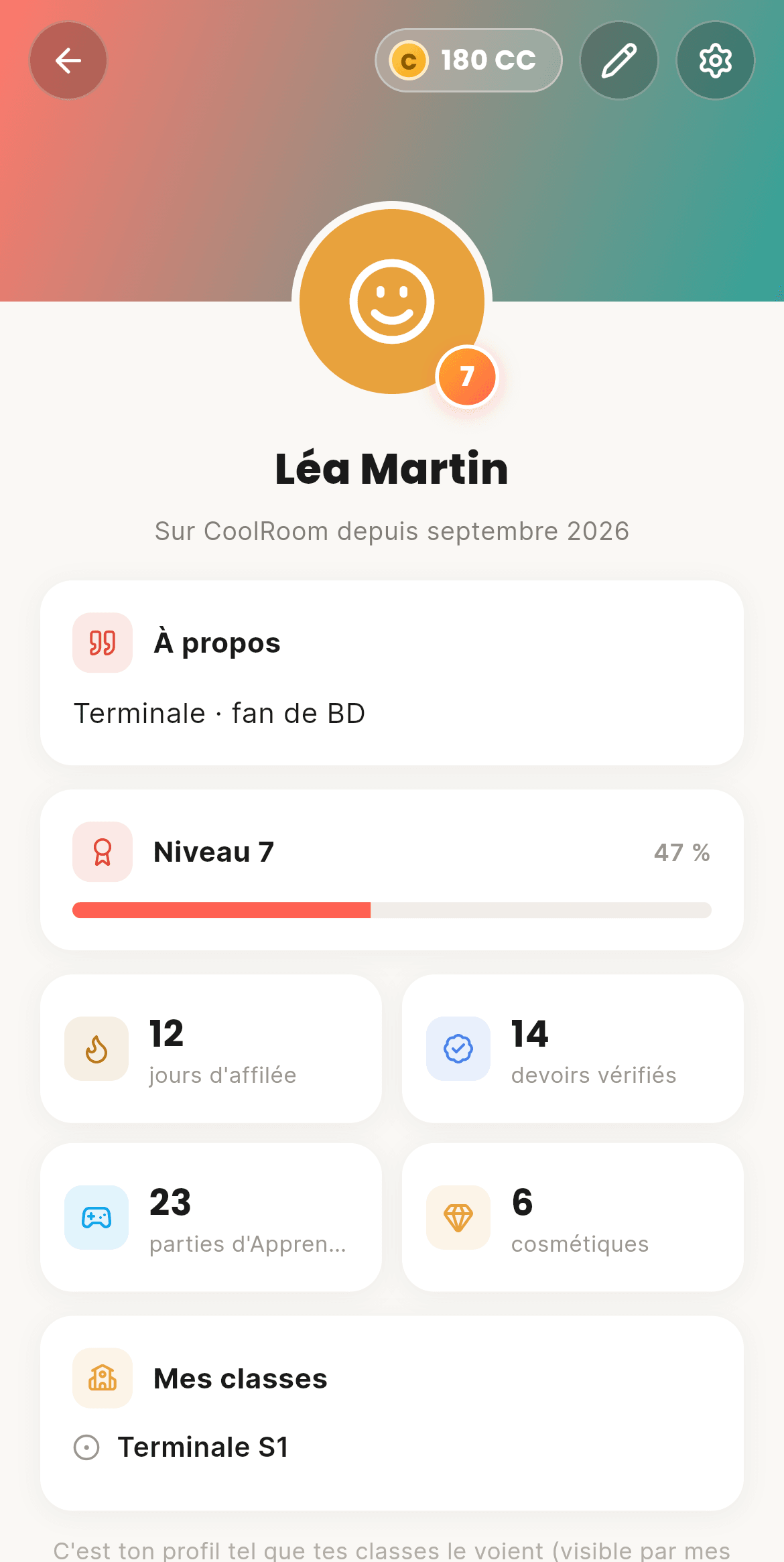
You earn XP by helping your class: verified homework, lessons written, revision. Every level brings CC to spend in the Shop: banners, animated frames, tags, emojis. Your profile becomes your showcase, with no ranking at all.
  • A Season pass
  • Up to 12 saved looks
  • Light, dark or your own colours
  • A daily check-in streak
  • 10 CC per level and a big reward every 10 levels
  • Your profile visible to your classes, your school or people you choose
CoolRoom screen on a computer: Progress and profile
On computer
CoolRoom screen: Progress and profile
On phone

Parents14

Parents follow along, without hovering

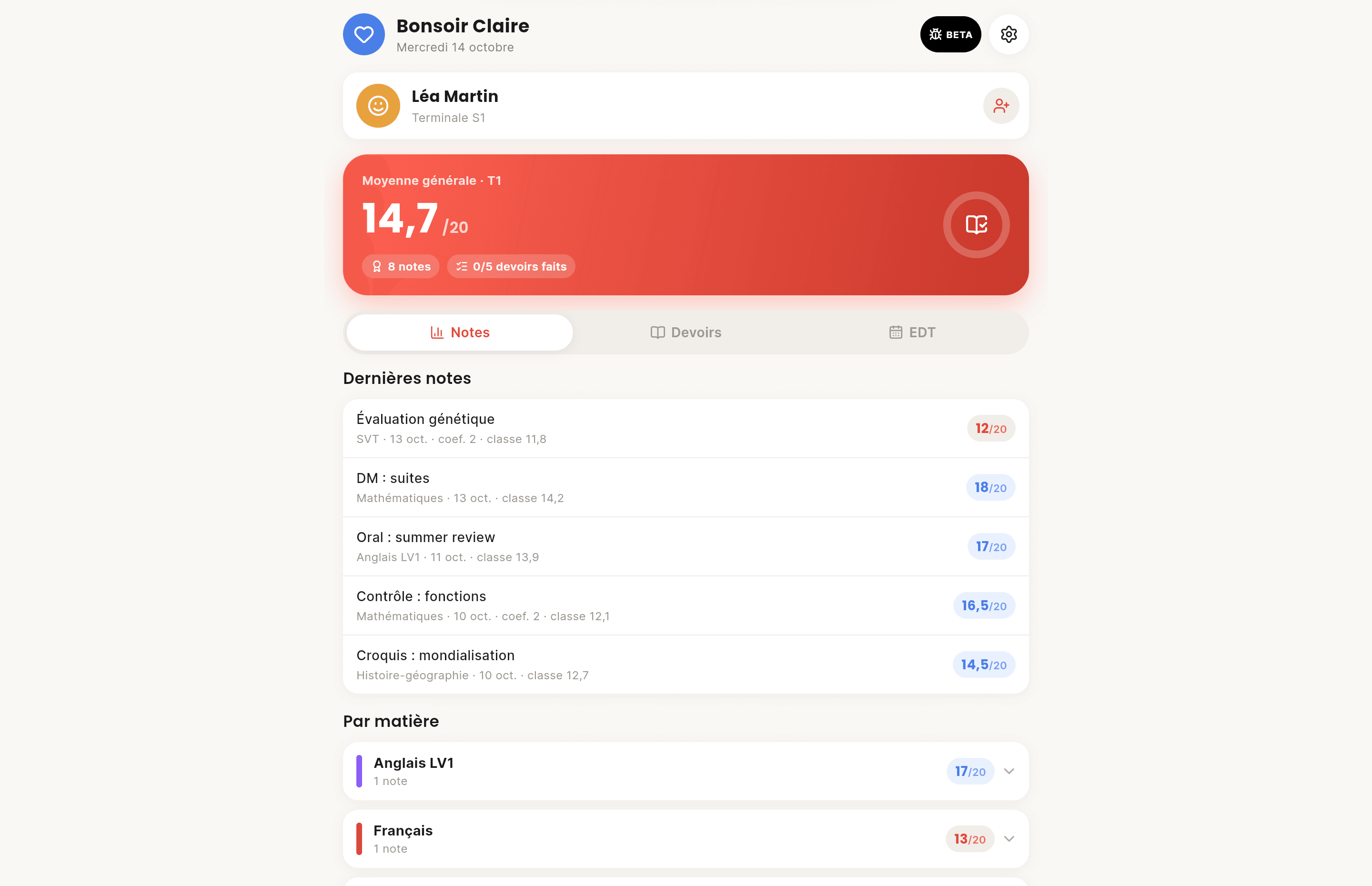
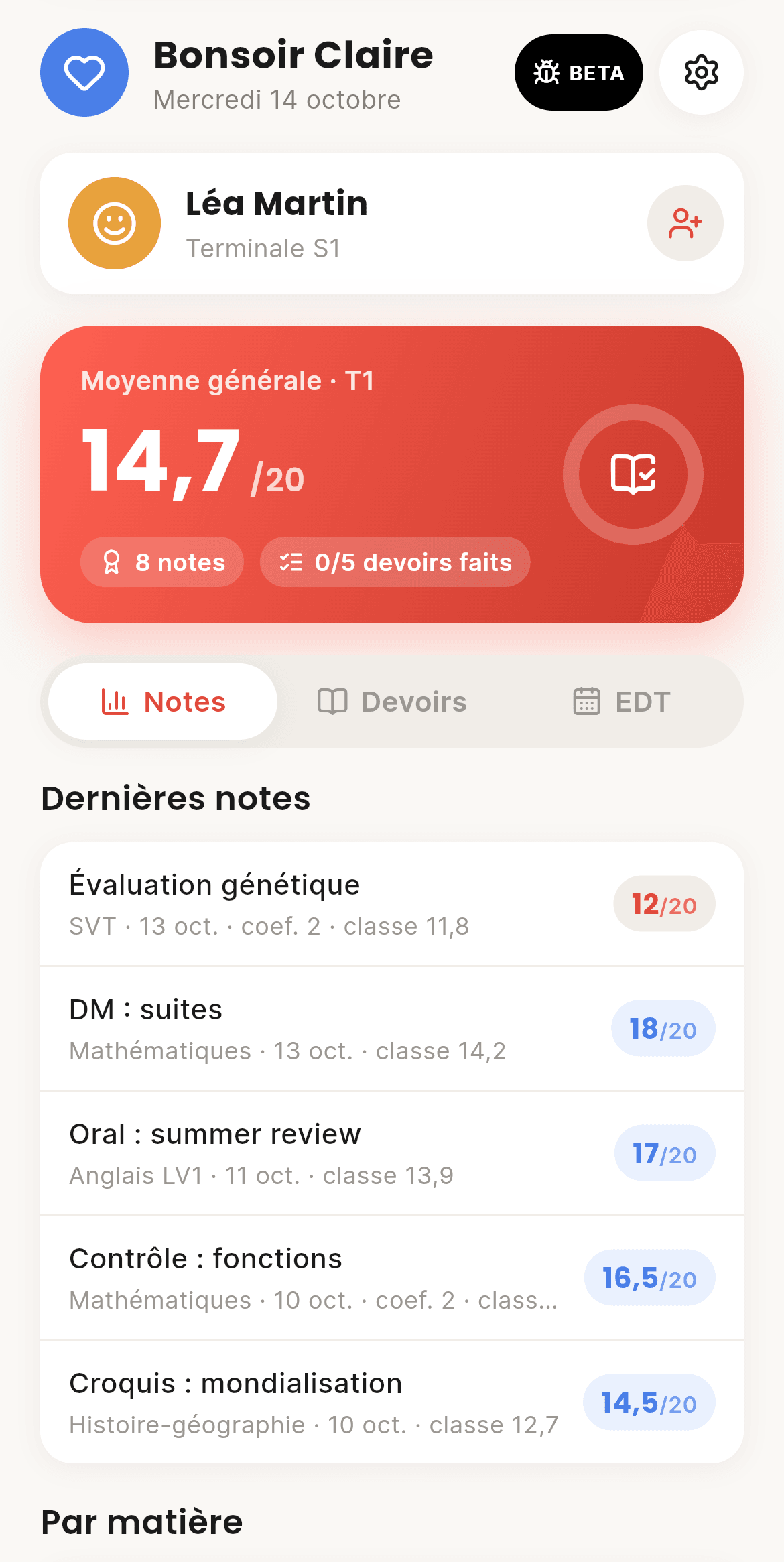
A read-only parent account, linked with a family code you accept. They see grades, homework and the timetable: never the chat, your lessons or your mail.
  • Family code valid for 30 min
  • Unlink at any time
  • Several children, one account
  • A summary: latest average, grade count, homework done this week
  • CoolRoom announcements as a popup
  • Their own, shorter settings
CoolRoom screen on a computer: Parents
On computer
CoolRoom screen: Parents
On phone

And also

The little things that change everything

Announcements

Your class and CoolRoom tell you behind a yellow button, no spam.

Two-factor sign-in

A code from an app or by mail, plus your trusted devices.

Focus mode

25 to 90 minutes without pings. Your class sees you're working.

Search everything

Homework, grades, mail and chat, accents or not.

Your colours

Light, dark, or two colours picked on a wheel.

What's new

Every update tells you what changed.

Your class is waiting.

Create your account, scan your class's code, and you're in. It's free.